ACCESS CONTROL
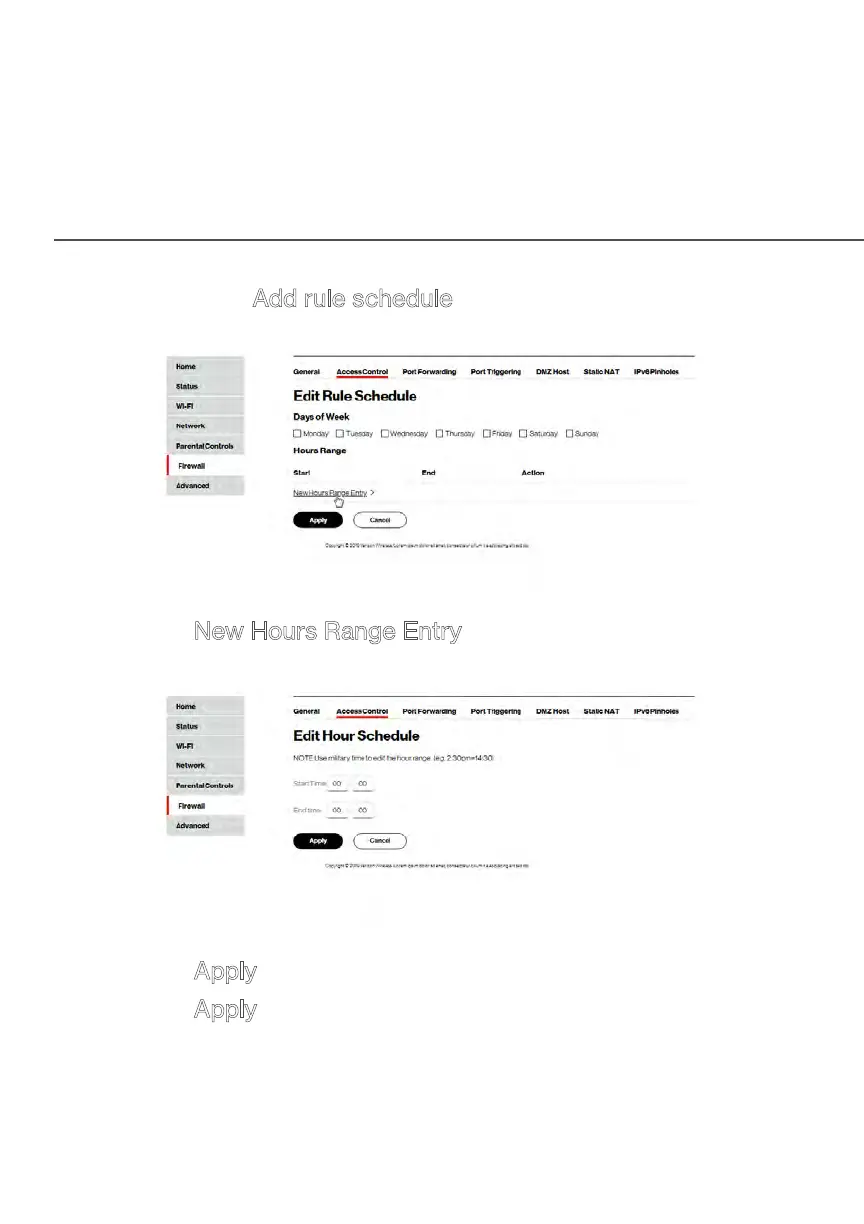
6. Then click Add rule schedule to specify the days of the
week when the rule will be active.
7. Click New Hours Range Entry and set the start time and
end time when the rule will be active.
8. Click Apply to save changes.
9. Click Apply again to save all changes.
10. The Access Control page displays a summary of the new
access control rule.



 To Next Page