11
/ INTRODUCTION
©2023 Verizon. All Rights Reserved
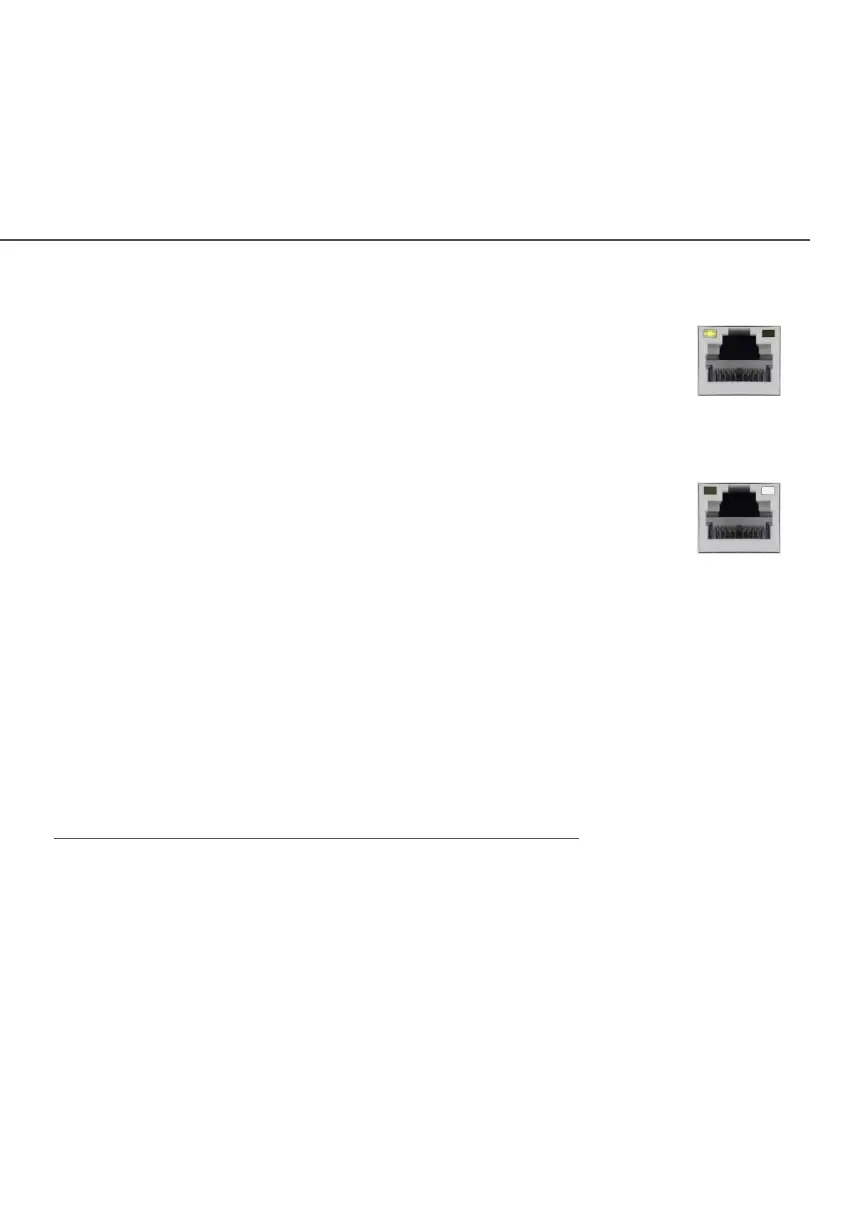
Left LED
• Solid yellow – Indicates less than 1 Gbps link
• Flash yellow – Indicates LAN activity. The trac can
be in either direction.
Right LED
• Solid white – Indicates 1/2.5 Gbps link
• Flash white – Indicates LAN activity. The trac can
be in either direction.
1.3d/ MOUNTING THE VERIZON WIFI EXTENDER TO A WALL
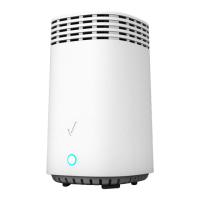
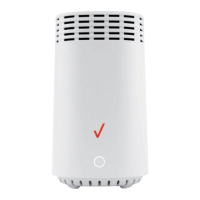
For optimum performance, the Verizon Wi-Fi Extender is designed
to stand in a vertical upright position. Verizon does not recommend
wall mounting the Verizon Wi-Fi Extender. However, if you wish to
mount your Verizon Wi-Fi Extender, you can purchase a wall mount
bracket from the Verizon Accessories Store at
verizon.com/home/accessories/networking-wifi
To mount your Verizon Wi-Fi Extender to a wall:
1. Select a mounting spot near a power outlet and within reach
of an Ethernet cable connected to the device that provides
internet on your premises.
2. Mark screw hole positions on the wall. Drill holes for the wall
anchors using a 1/4 inch (6.35 mm) drill bit.


 To Next Page