MAIN SCREEN
Note: The rear label of the Verizon Wi-Fi Extender has a Network
Settings password that is dierent from that of the Verizon Router.
When the Extender connects to the Router via Coax, Ethernet, or
Wi-Fi, the extender is assigned the Network Settings password of
the Router. At this time, the Network Settings password on the rear
label of the Extender should be ignored.
2.1b/ Login Alternative Option
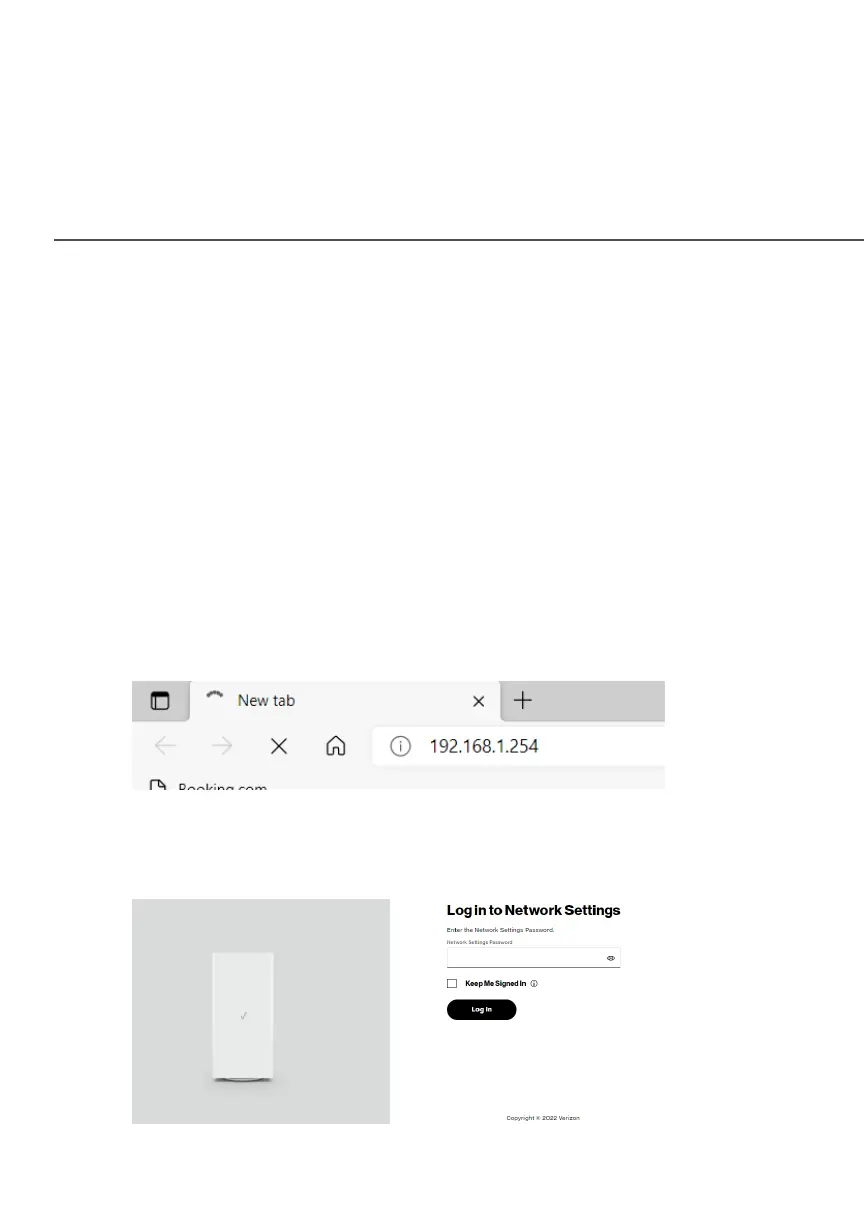
1. Open a web browser on the device directly connected to
your Verizon Wi-Fi Extender.
2. In the browser address field (URL), enter the IP address
192.168.1.254
3. Enter the password that is printed next to the Network Network
Settings PasswordSettings Password on the label on the rear of your
Verizon Wi-Fi Extender.



 To Next Page