24
/ CONNECTING YOUR
VERIZON WIFI EXTENDER
©2023 Verizon. All Rights Reserved
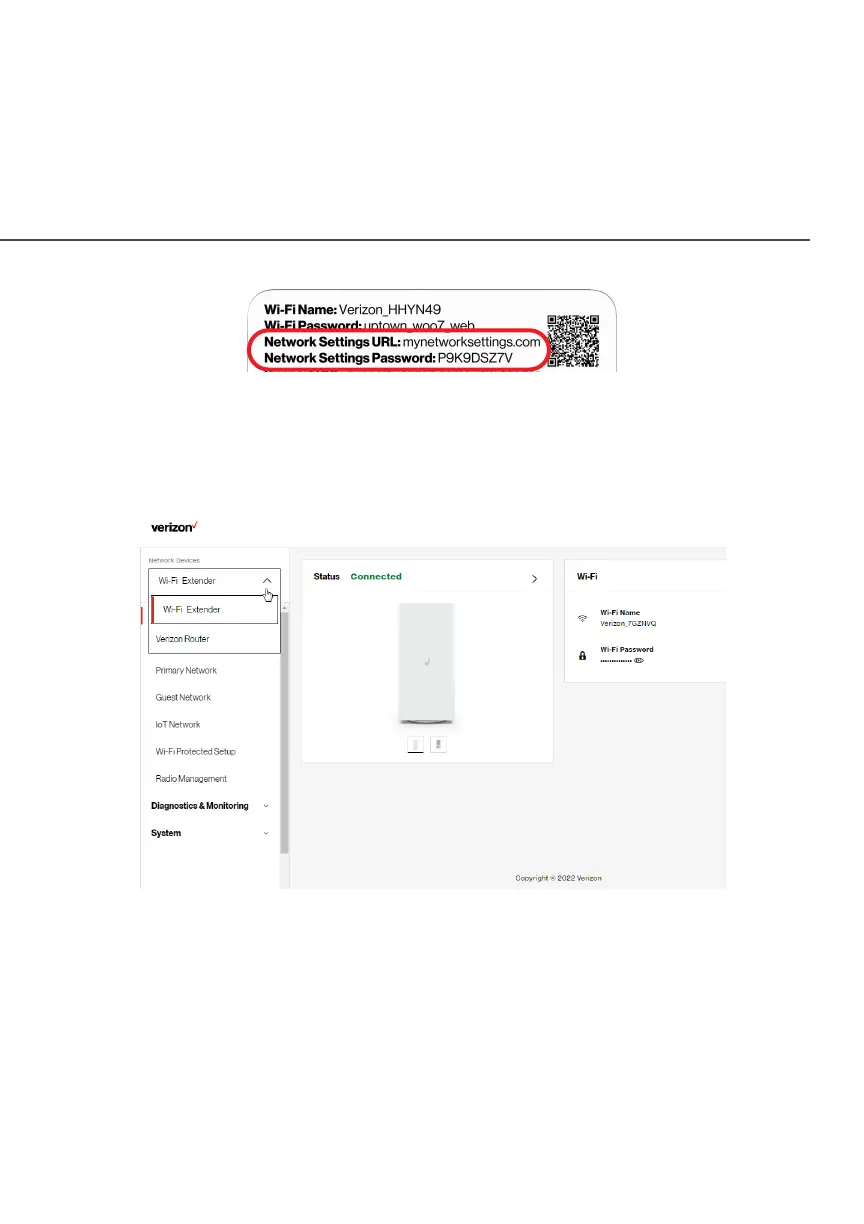
When you log into your Extender, the main screen displays a
dashboard as well as a navigation menu to Wi-Fi, Status, and
Advanced settings.
2.1c/ MENU
Information about the main menu options can be found in the
following chapters:
• System - this chapter
• Wi-Fi - Chapter 3
• Diagnostics & Monitoring - Chapter 4



 To Next Page