UTILITIES
8.1a/ DIAGNOSTICS
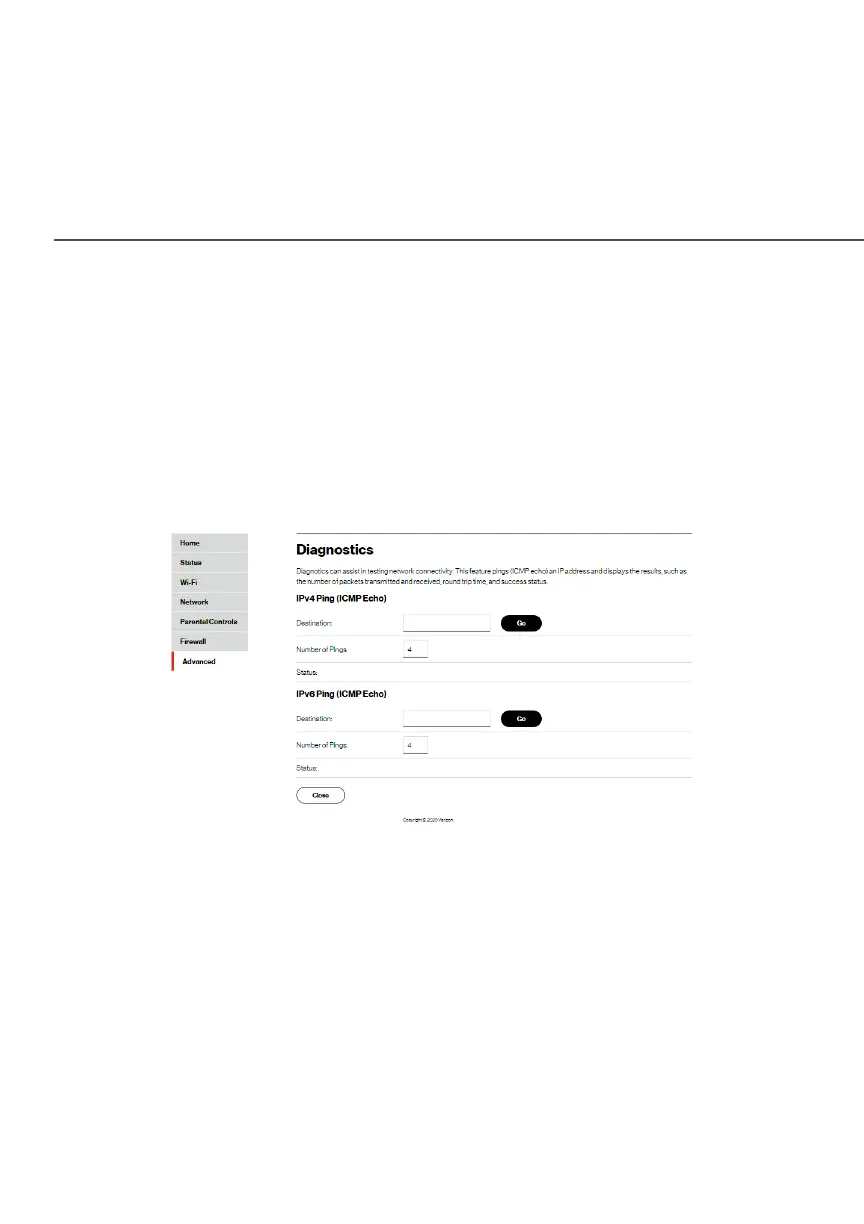
You can use diagnostics to test network connectivity.
To diagnose network connectivity:
1. Select DiagnosticsDiagnostics in the UtilitiesUtilities section.
2. To ping an IP address, enter the IP address or domain name
in the DestinationDestination field and click GoGo.
The diagnostics will display the number of pings, status,
packets sent, and round trip time.
If no diagnostic status displays, click refresh in your web
browser.
3. Click CloseClose to exit the session.




















 To Next Page