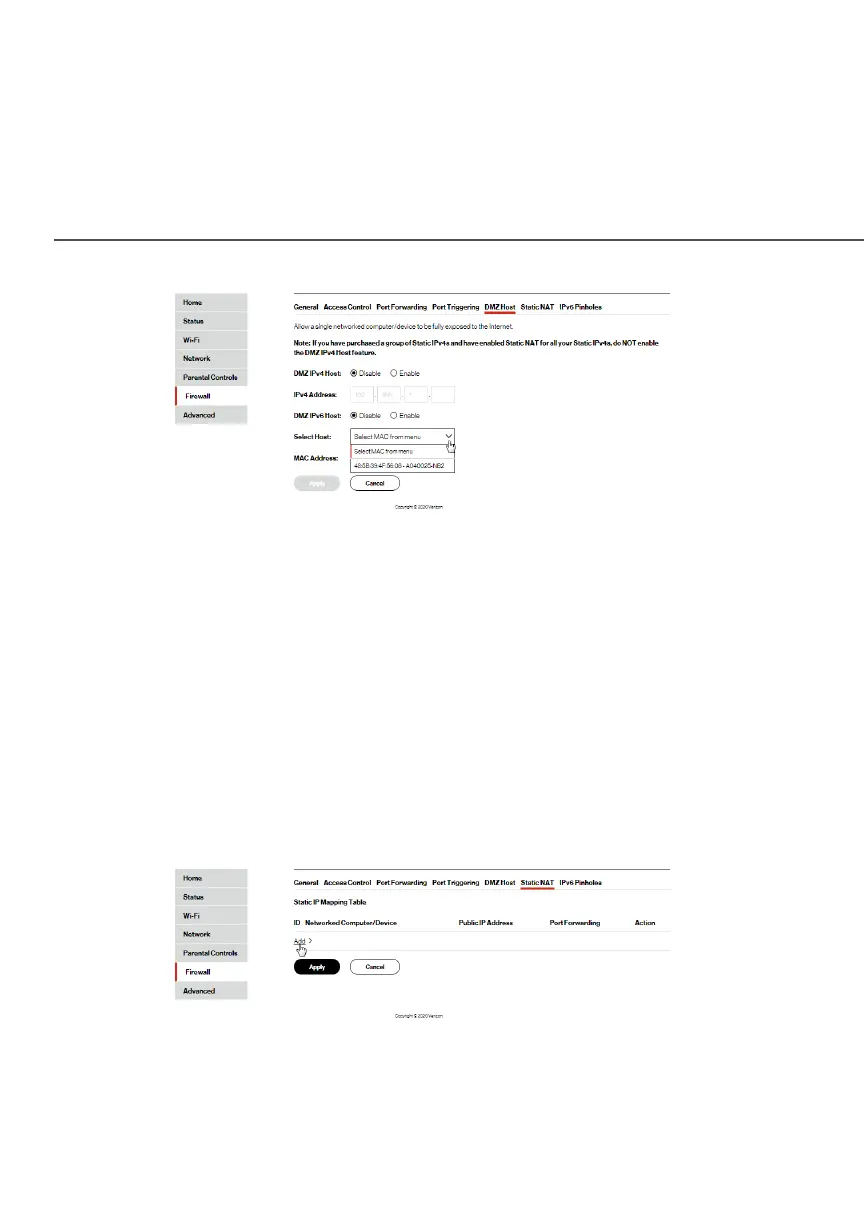
STATIC NAT
./ STATIC NAT
Static NAT allows devices located behind a firewall that is
configured with private IP addresses to appear to have public IP
addresses to the internet. This allows an internal host, such as a
web server, to have an unregistered (private) IP address and still be
accessible over the internet.
To configure static NAT:
1. Select Static NATStatic NAT.
2. To create a static NAT, click AddAdd. The Add NAT/NAPT RuleAdd NAT/NAPT Rule
page displays.




















 To Next Page