98
/ CONFIGURING
SECURITY SETTINGS
verizon.com/business/products/fios-internet | ©2020 Verizon. All Rights Reserved
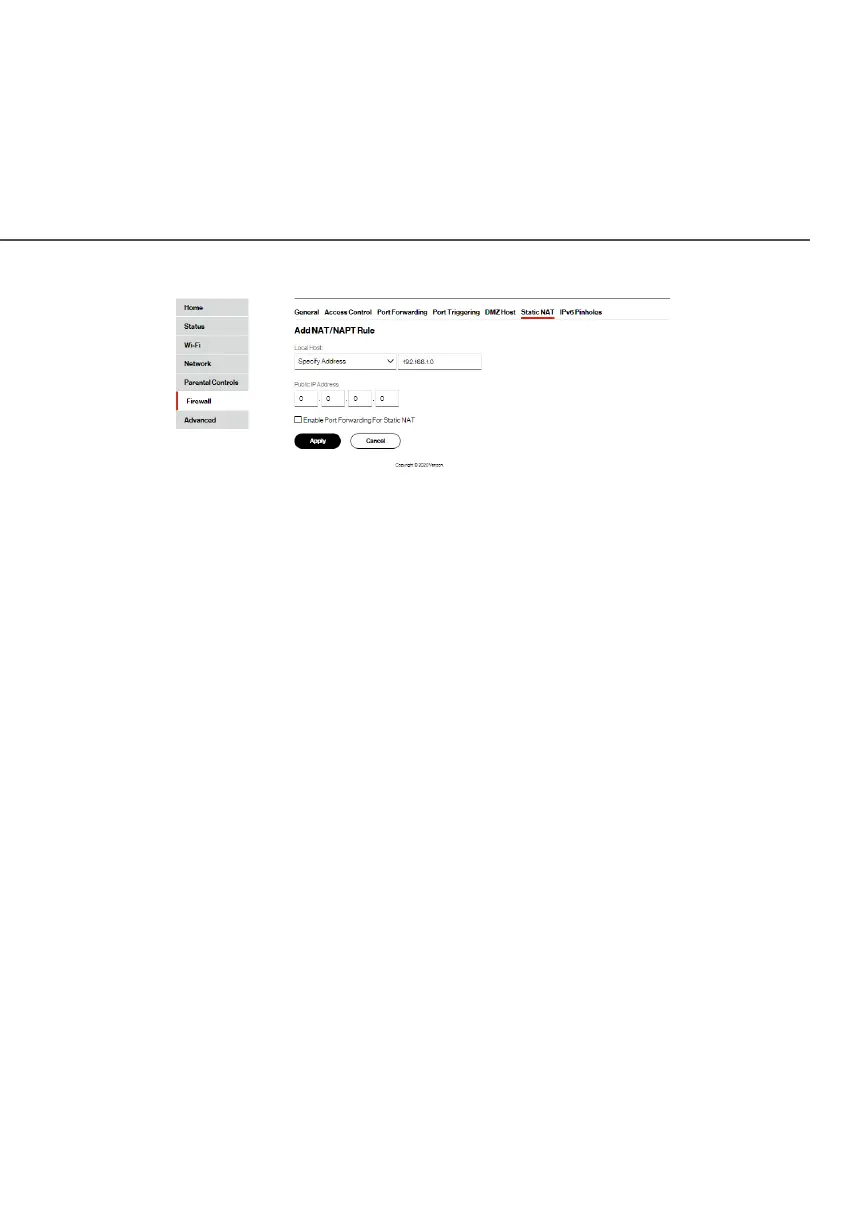
3. Select a source address in the Specify AddressSpecify Address field or enter
an IP address in the text box.
4. Enter the Public IP AddressPublic IP Address.
5. If using port forwarding, select the Enable Port Forwarding Enable Port Forwarding
for Static NATfor Static NAT check box.
6. Click ApplyApply to save changes.
7. Repeat these steps to add additional static IP addresses.




















 To Next Page