145
/ CONFIGURING
ADVANCED SETTINGS
verizon.com/business/products/fios-internet | ©2020 Verizon. All Rights Reserved
8.2i/ ZENREACH AP SERVICE
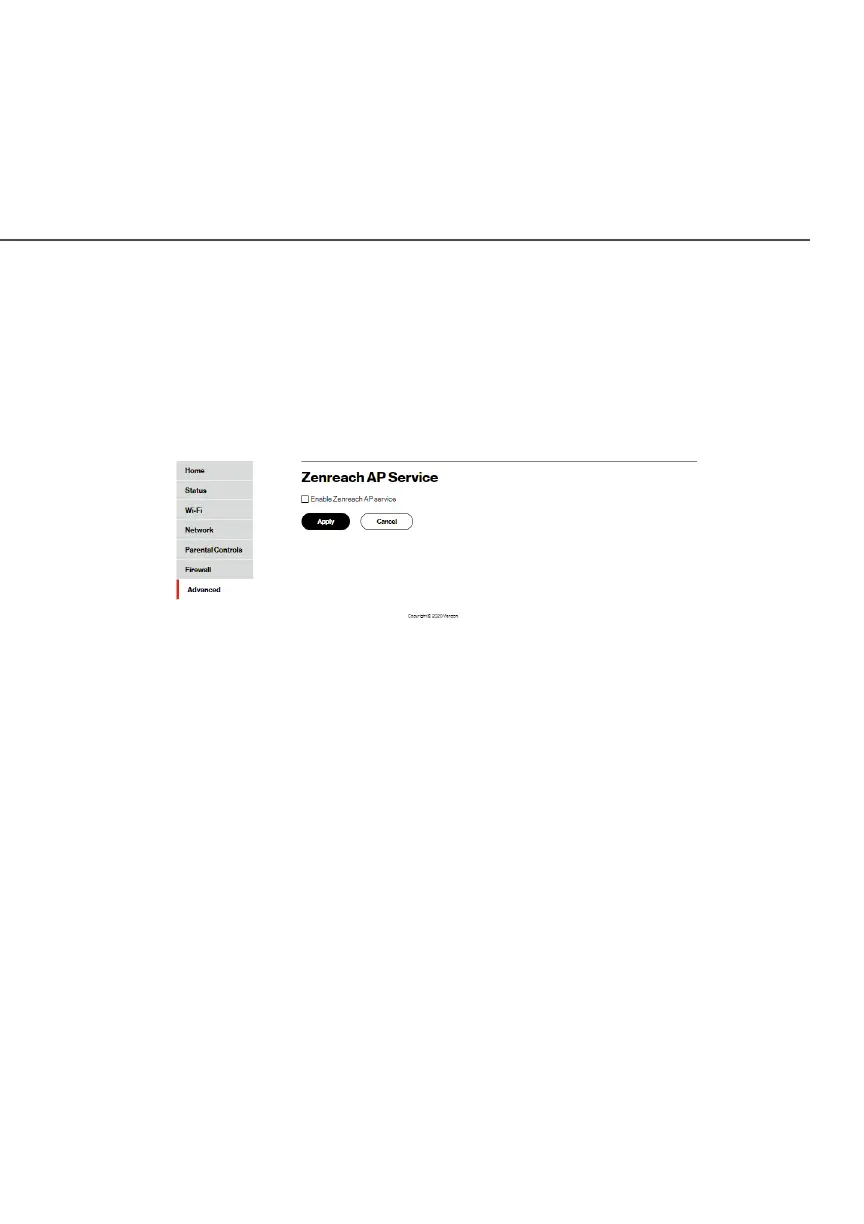
The Fios Router is compatible with Zenreach AP Service.
To access the Wi-Fi service of Zenreach AP:
1. Select Zenreach AP ServiceZenreach AP Service in the Network SettingsNetwork Settings section.
2. Click on the checkbox of Enable Zenreach AP serviceEnable Zenreach AP service.
3. Click ApplyApply to save changes.
./ DATE AND TIME
You can configure the following settings:
• Date and Time Settings – sets the time zone and enables
automatic time updates.
• Scheduler Rules Settings – limits the activation of firewall rules
to specific time periods.




















 To Next Page