92
/ CONFIGURING
SECURITY SETTINGS
verizon.com/business/products/fios-internet | ©2020 Verizon. All Rights Reserved
• To disable an access control, clear the check box next to the
service name.
• To reinstate the restriction, select the check box next to the
service name.
• To remove an access restriction, select the service and click
RemoveRemove. The service is removed from the Access Control table.
./ PORT FORWARDING
You can activate port forwarding to expose the network to the
internet in a limited and controlled manner. For example, enabling
applications, such as video conferencing and voice, to work from
the local network as well as allowing internet access to servers
within the local network.
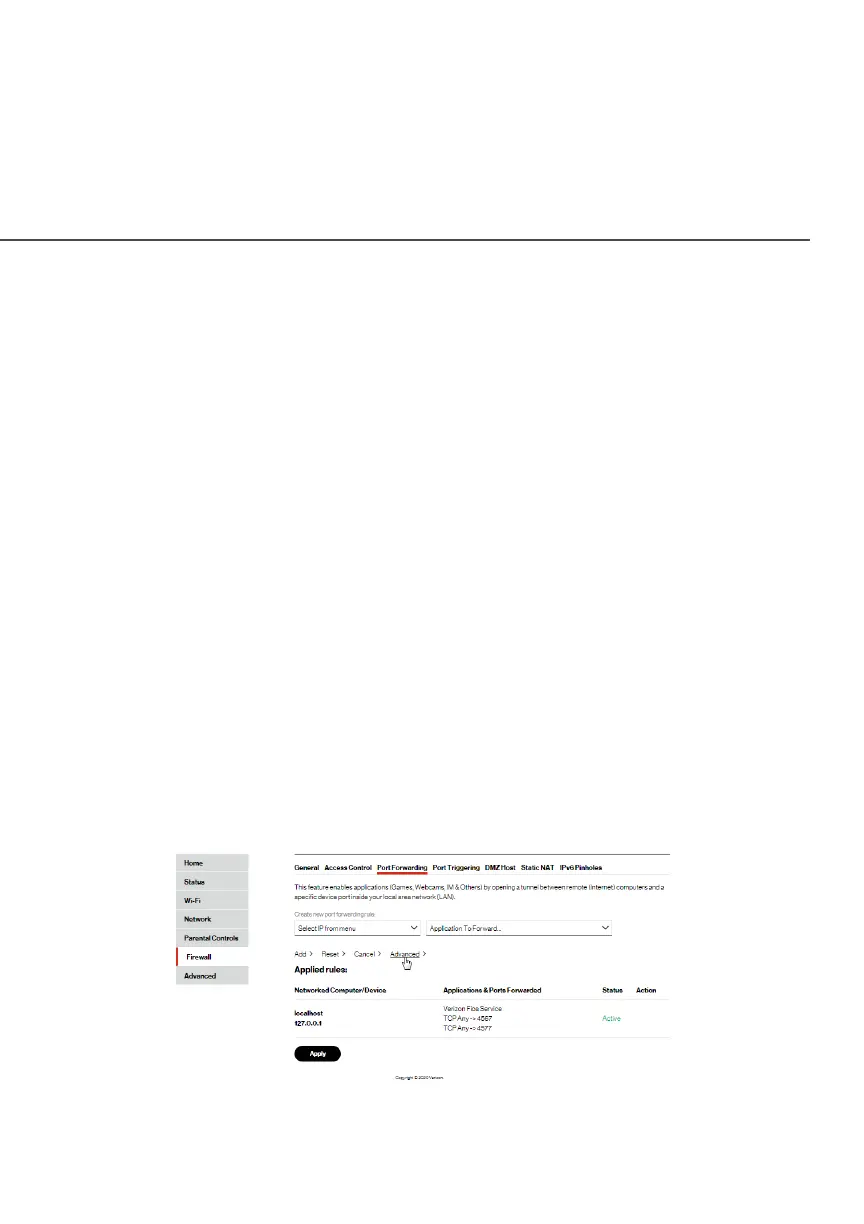
To create port forwarding rules:
1. From the FirewallFirewall page, select Port ForwardingPort Forwarding. The Port Port
ForwardingForwarding page opens with the current rules displayed.




















 To Next Page