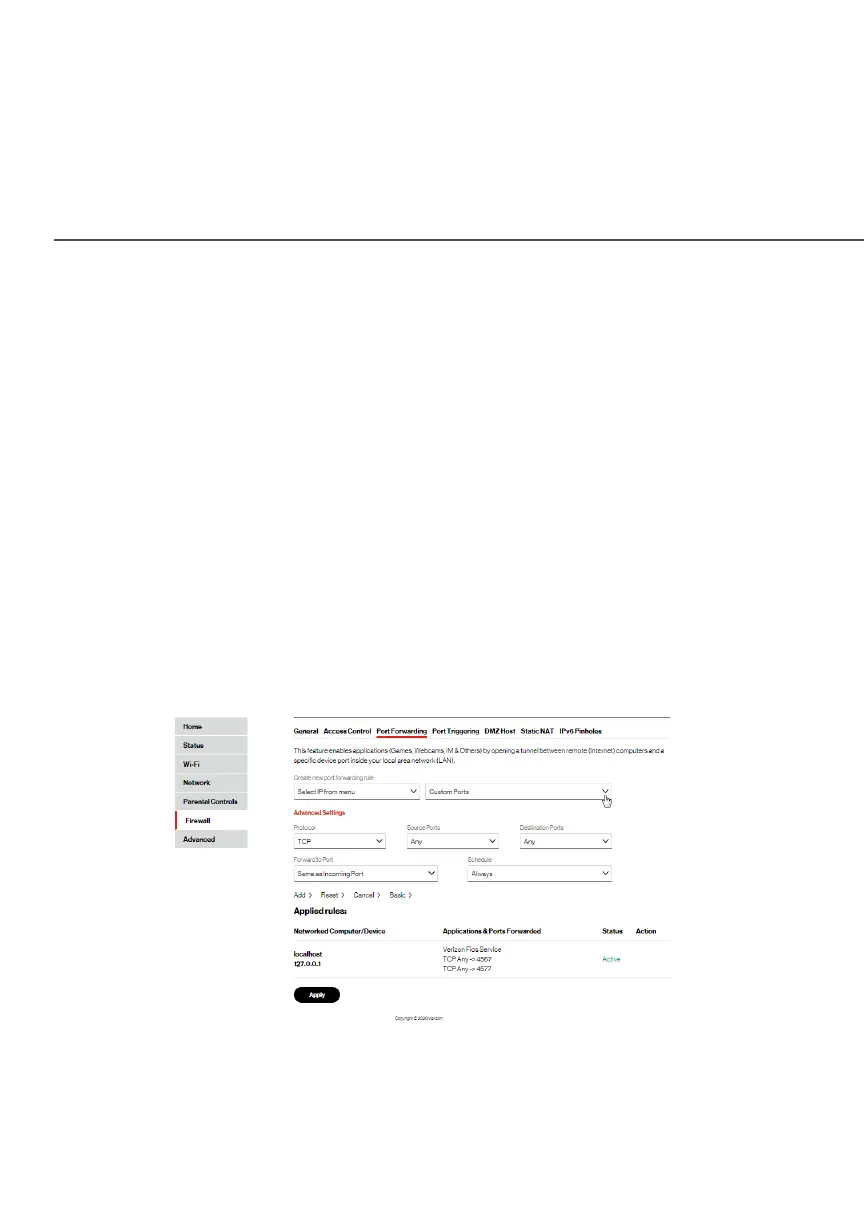
PORT FORWARDING
2. To create a new rule, select the IP address in the Select IP Select IP
from menufrom menu drop down.
3. Select the application in the Application To ForwardApplication To Forward drop
down.
4. Click AddAdd. The rule displays in the Applied RulesApplied Rules section.
5. Click ApplyApply to save changes.
7.2a/ ADVANCED PORT FORWARDING RULES
You can configure advanced port forwarding rules.
To configure the rules:
1. In the Port ForwardingPort Forwarding page, select AdvancedAdvanced.
2. If needed, to select a port to forward communication to,
select an option in the Custom PortsCustom Ports drop down.




















 To Next Page