ACCESS CONTROL
./ ACCESS CONTROL
You can block individual computers on your local network from
accessing specific services on the internet. For example, you
could block one computer from accessing the internet, then block
a second computer from transferring files using FTP as well as
prohibit the computer from receiving incoming email.
Access control incorporates a list of preset services, such as
applications and common port settings.
7.1a/ ALLOW OR RESTRICT SERVICES
To allow or restrict services:
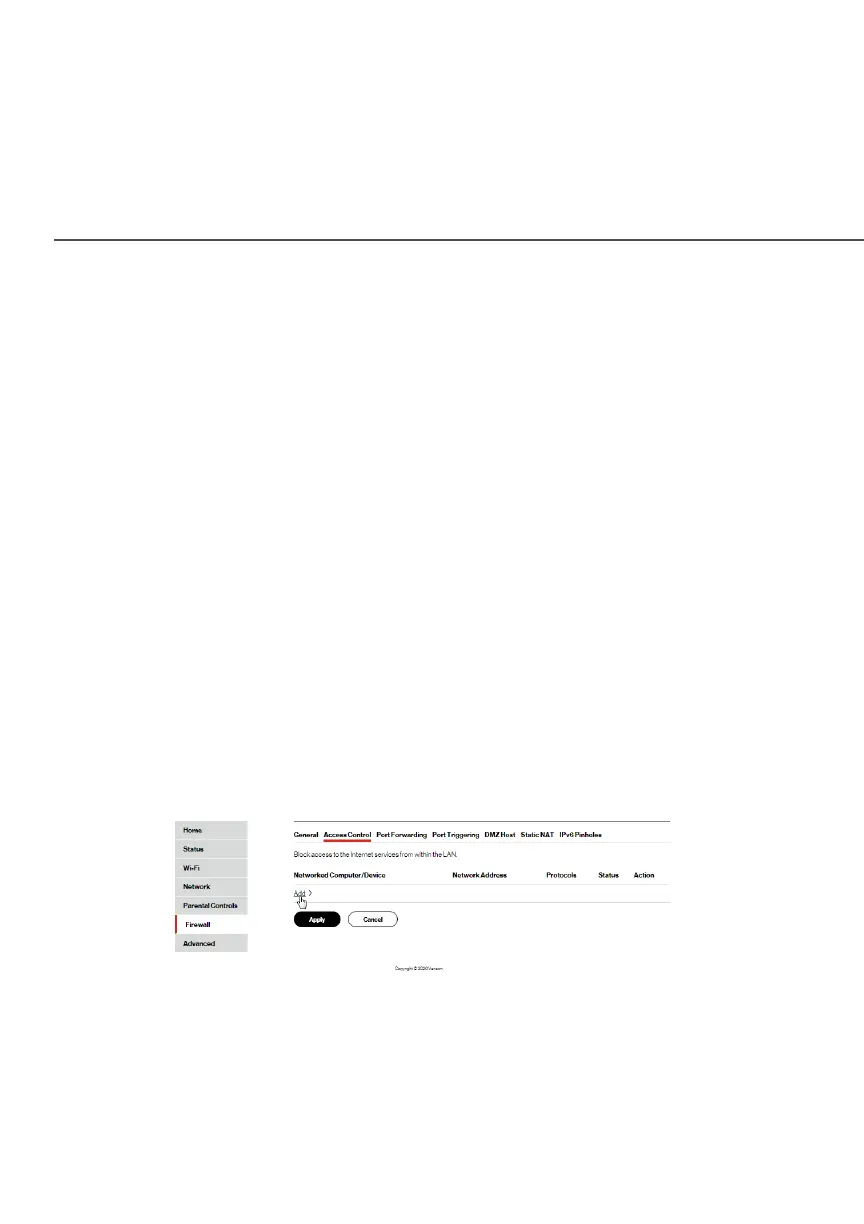
1. From the Firewall page, select Access ControlAccess Control. The Access
Control page opens with the Allows and Blocked sections
displayed. The Allowed section only displays when the
firewall is set to maximum security.
2. To block a service, click AddAdd. The Add Access Control RuleAdd Access Control Rule
page displays.




















 To Next Page