149
/ CONFIGURING
ADVANCED SETTINGS
verizon.com/business/products/fios-internet | ©2020 Verizon. All Rights Reserved
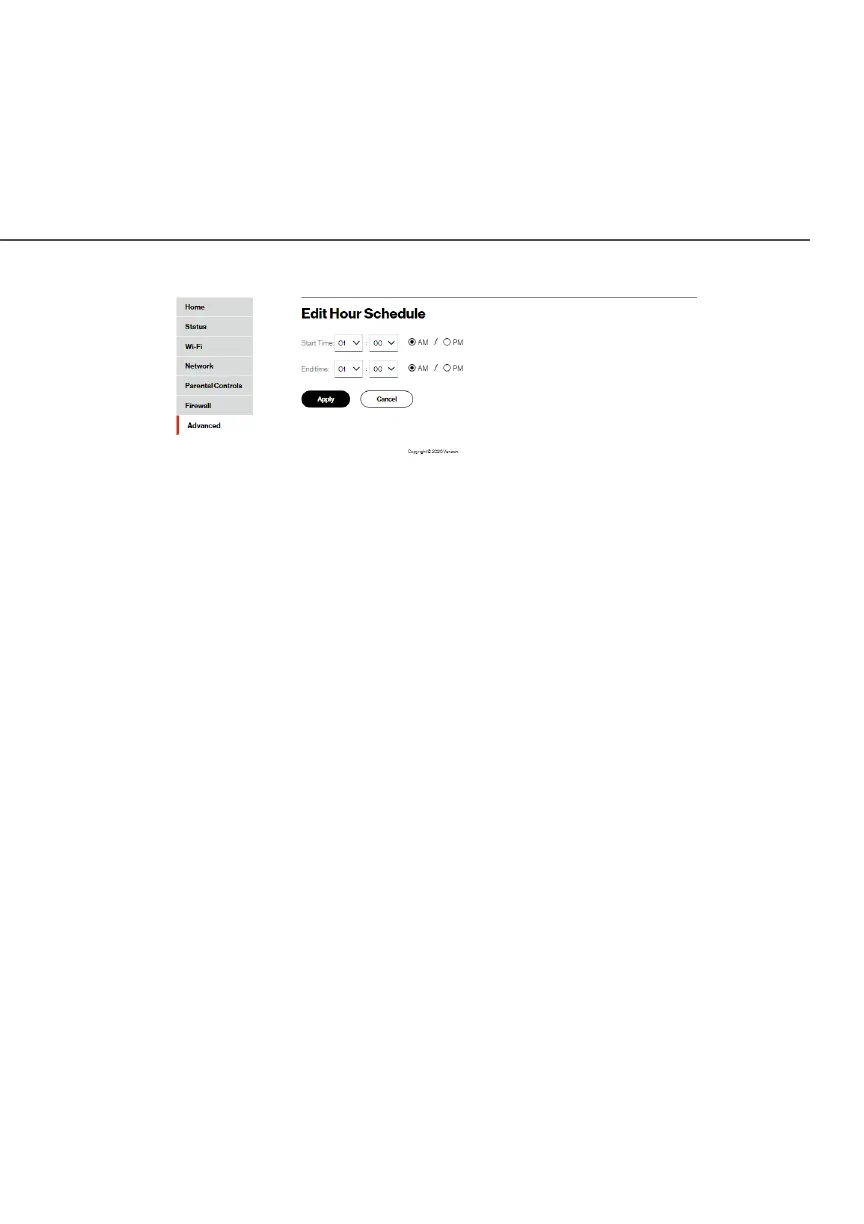
9. Enter the start and end time, then click ApplyApply to save
changes.
10. Click ApplyApply again to save the rule schedule.
./ DNS SETTINGS
You can view and manage the DNS server host name and IP
address as well as add a new computer. The DNS server does not
require configuration.
8.4a/ DYNAMIC DNS
Typically, when connecting to the internet, your router is assigned
an unused public IP address from a pool, and this address changes
periodically.
Dynamic DNS allows a static domain name to be mapped to the
dynamic IP address, allowing a computer within your network to be
more easily accessible from the internet.




















 To Next Page