DNS SETTINGS
When using Dynamic DNS, each time the public IP address
changes, the DNS database is automatically updated with the new
IP address. In this way, even though the IP address changes often,
the domain name remains constant and accessible.
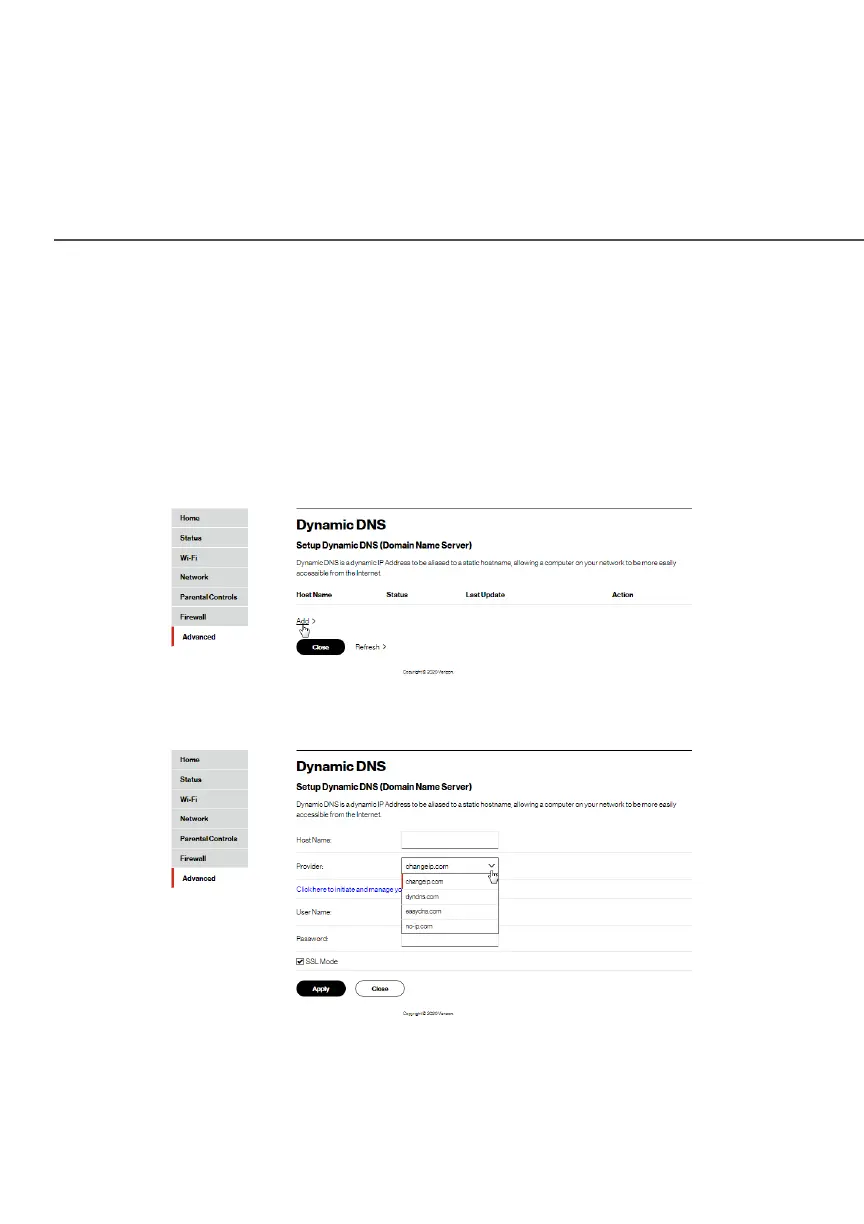
To set up dynamic DNS:
1. Select Dynamic DNSDynamic DNS in the DNSDNS section.
2. To set up a new entry, click the AddAdd button.




















 To Next Page