96
/ CONFIGURING
SECURITY SETTINGS
verizon.com/business/products/fios-internet | ©2020 Verizon. All Rights Reserved
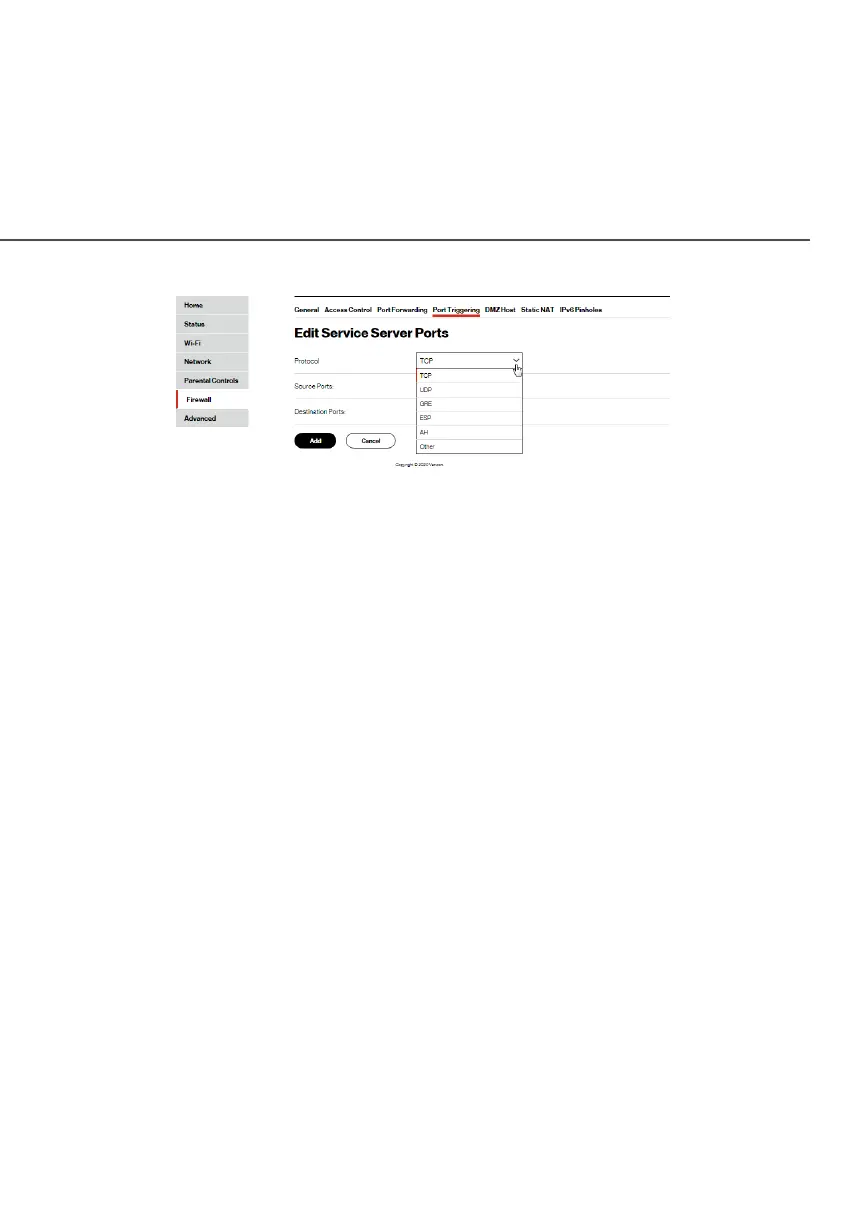
4. Click ApplyApply to save all changes.
./ DMZ HOST
DMZ Host allows a single device on your primary network to be
fully exposed to the internet for special purposes such as an email
server.
Warning: Enabling DMZ Host is a security risk. When a device on
your network is a DMZ Host, it is directly exposed to the internet
and loses much of the protection of the firewall. If it is compromised,
it can also be used to attack other devices on your primary network.
Follow these steps to designate a device on your primary network
as a DMZ Host:
1. From the FirewallFirewall page, select DMZ HostDMZ Host.
2. Select EnableEnable for the DMZ Host.
3. Enter the IP address of the device you want to designate as
the DMZ Host.
4. Click ApplyApply.




















 To Next Page