DATE AND TIME
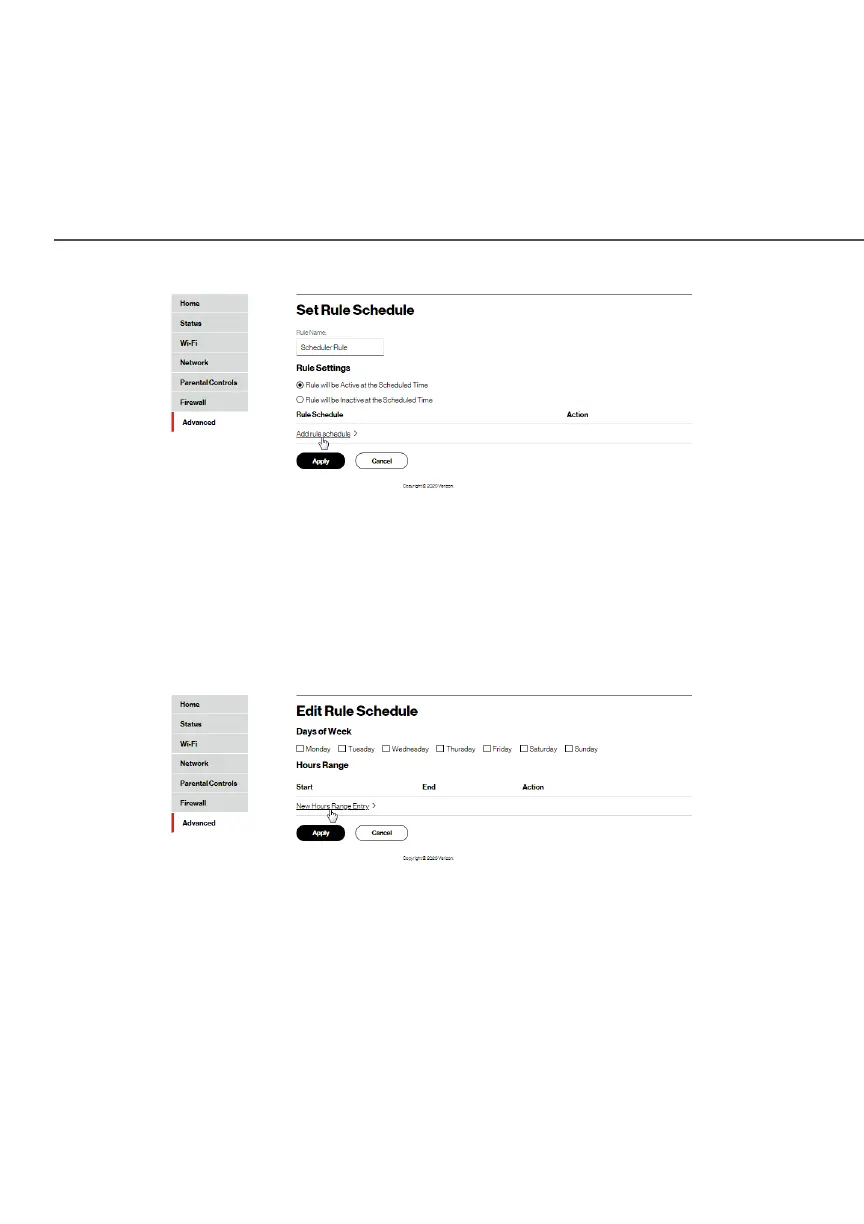
4. Enter the name of the rule.
5. In the Rule SettingsRule Settings section, specify if the rule is active at
the scheduled time or inactive at the scheduled time.
6. Click the Add rule scheduleAdd rule schedule. The Edit Rule Schedule Edit Rule Schedule page
displays.
7. Select the active or inactive days of the week.
8. To define a new active or inactive hourly range, click New New
Hours Range EntryHours Range Entry.




















 To Next Page