ACCESS CONTROL
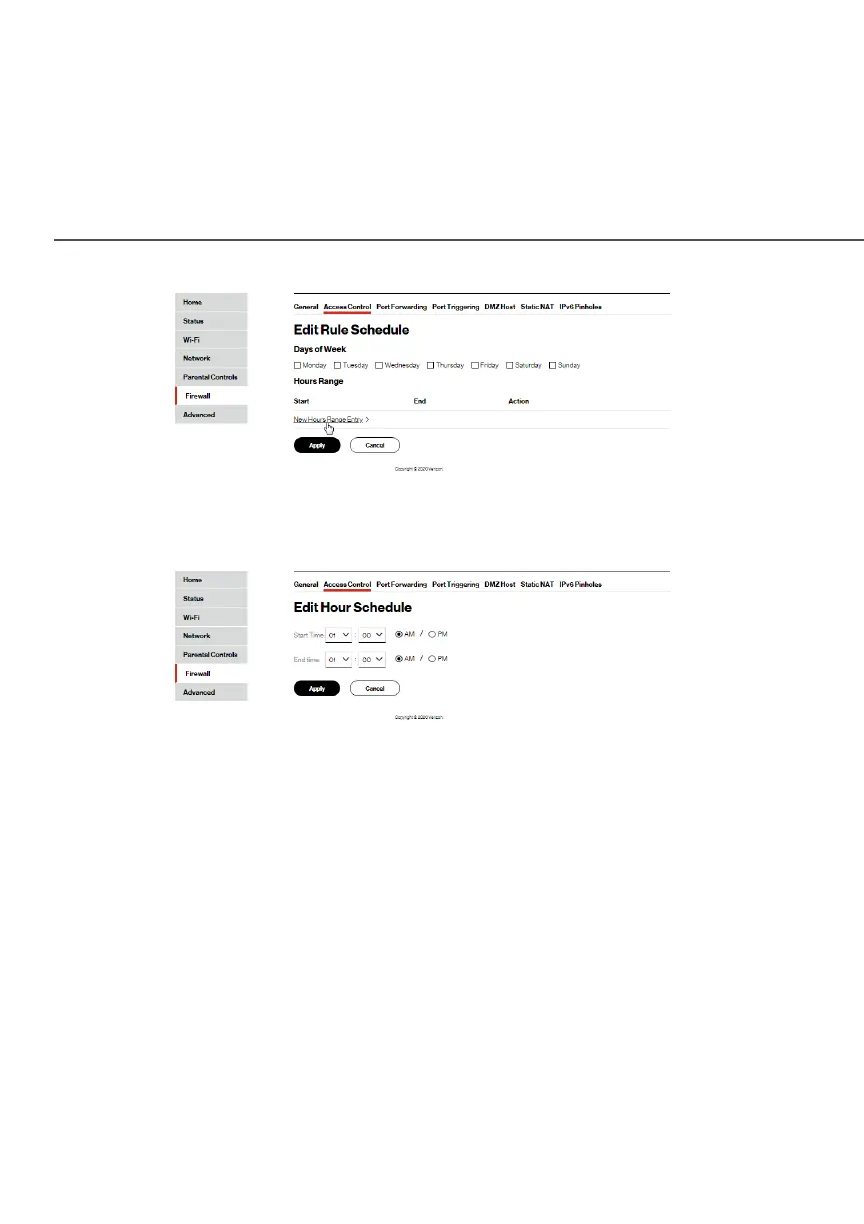
7. Click New Hours Range Entry New Hours Range Entry and set the start time and
end time when the rule will be active.
8. Click ApplyApply to save changes.
9. Click ApplyApply again to save all changes.
10. The Access Control page displays a summary of the new
access control rule.
7.1b/ DISABLE ACCESS CONTROL
You can disable an access control and enable access to the
service without removing the service from the Access Control
table. This can make the service available temporarily and allow
you to easily reinstate the restriction later.




















 To Next Page