GETTING TO KNOW YOUR FIOS ROUTER
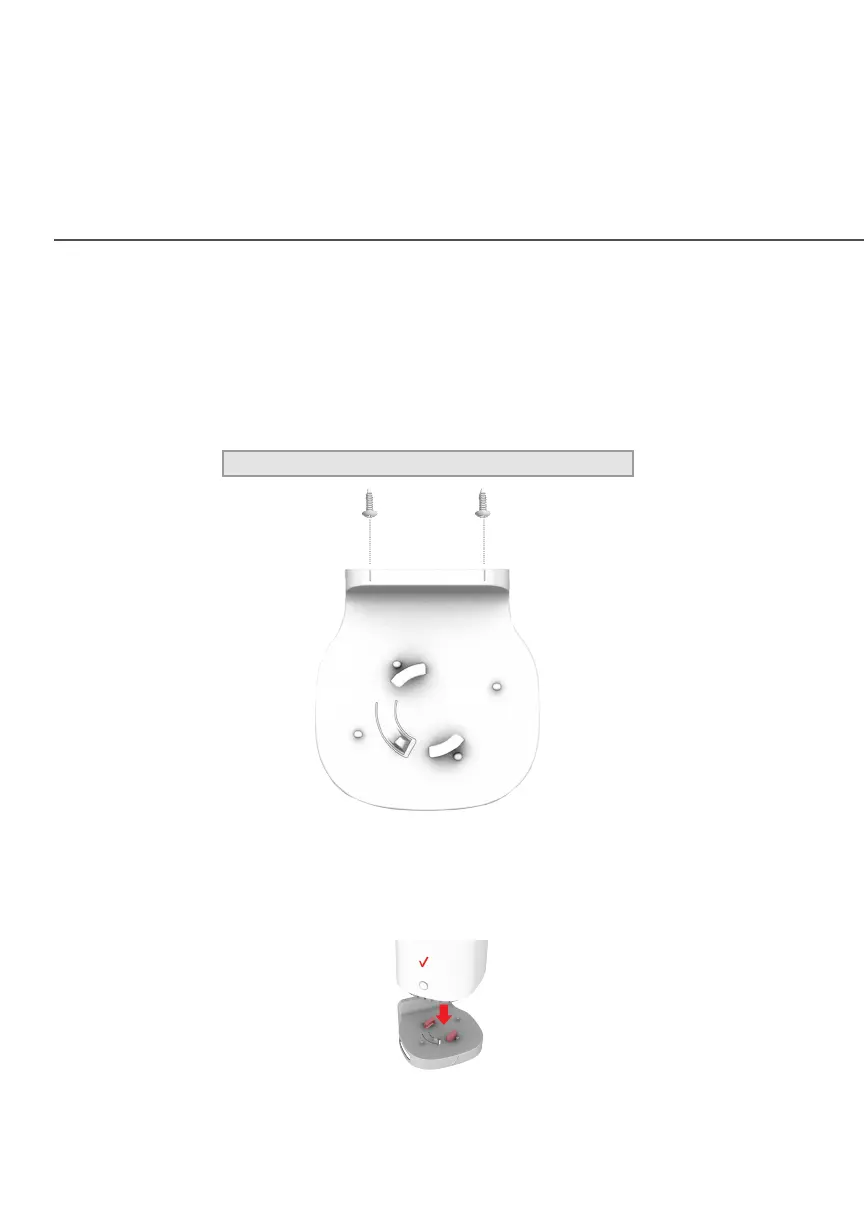
3. Drive two screws into the wall. Leave the screws extended
about 0.2 inches from the wall.
4. Verify the screws are positioned correctly by placing the wall
bracket on the screws. Then remove the wall bracket from
the wall.
5. There are two mounting slots located on the bottom of the
Fios Router. It allows you to securely attach your router to
the wall. Align the slots with the wall mount bracket.




















 To Next Page