DNS SETTINGS
8.4b/ DNS SERVER
You can edit the host name and/or IP address, if the host was
manually added to the DNS table. If not, you can only modify the
host name.
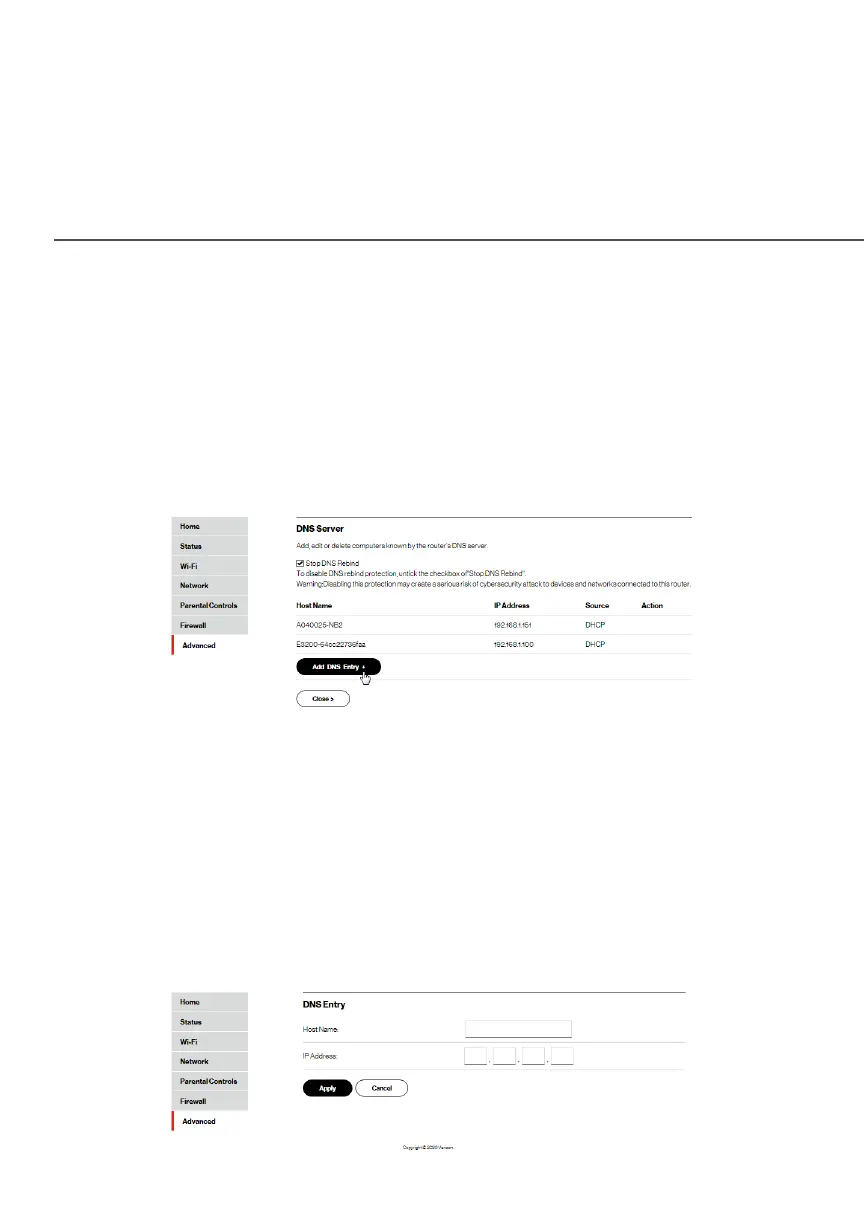
To access the DNS server:
1. Select DNS ServerDNS Server in the DNSDNS section.
2. To disable DNS rebind protection, untick the checkbox of
Stop DNS Rebind.Stop DNS Rebind.
Warning: Disabling this protection may create a risk of
cybersecurity attack to devices connected to this router.
3. To view and add computers stored in the DNSDNS table, click
Add DNS EntryAdd DNS Entry. The DNS EntryDNS Entry page displays.




















 To Next Page