MONITORING
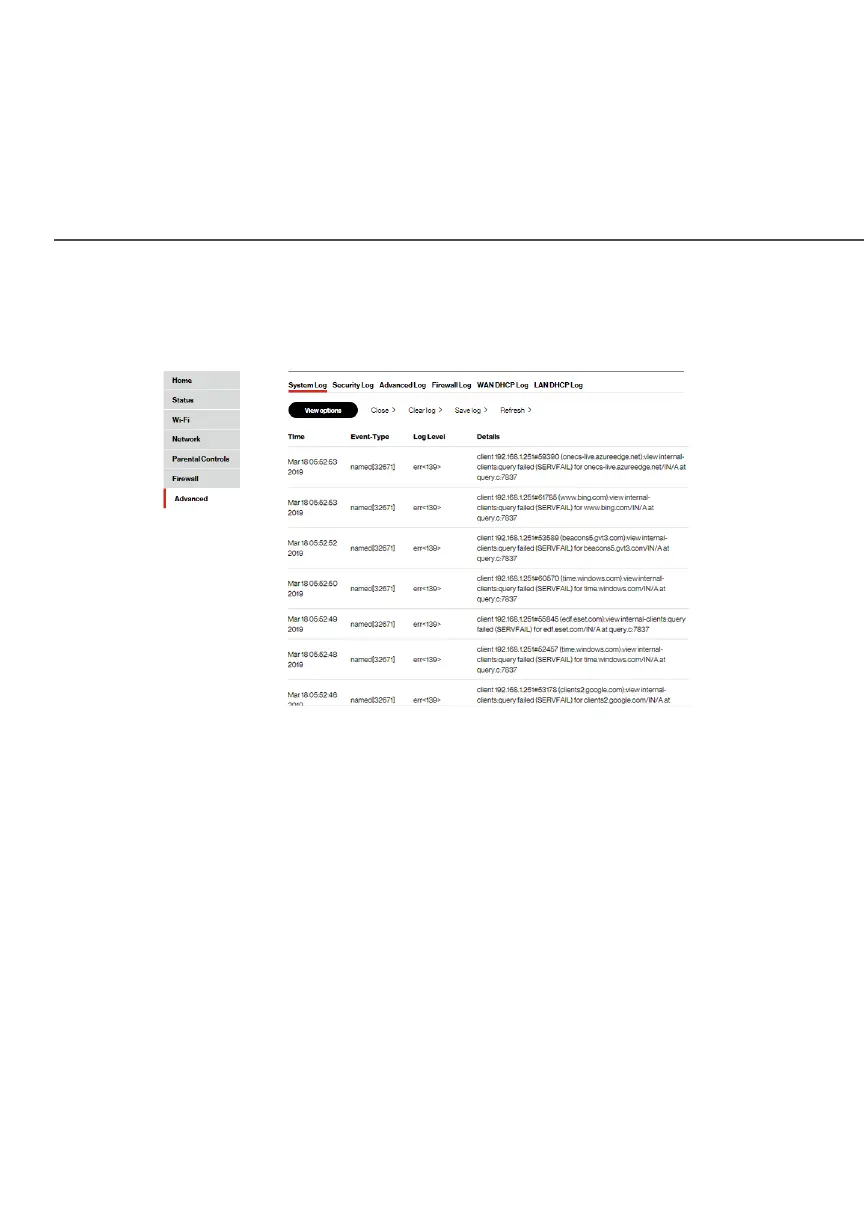
To view the system log:
1. In the MonitoringMonitoring section, click the System LoggingSystem Logging link.
2. To view a specific type of log event such as Security Log,
WAN DHCP Log, etc., click the appropriate link in the menu
on the top.
3. To update the data, click RefreshRefresh.
8.5b/ FULL STATUS/SYSTEM WIDE MONITORING OF
CONNECTIONS
You can view a summary of the monitored data collected for your
Fios Router.




















 To Next Page