MONITORING
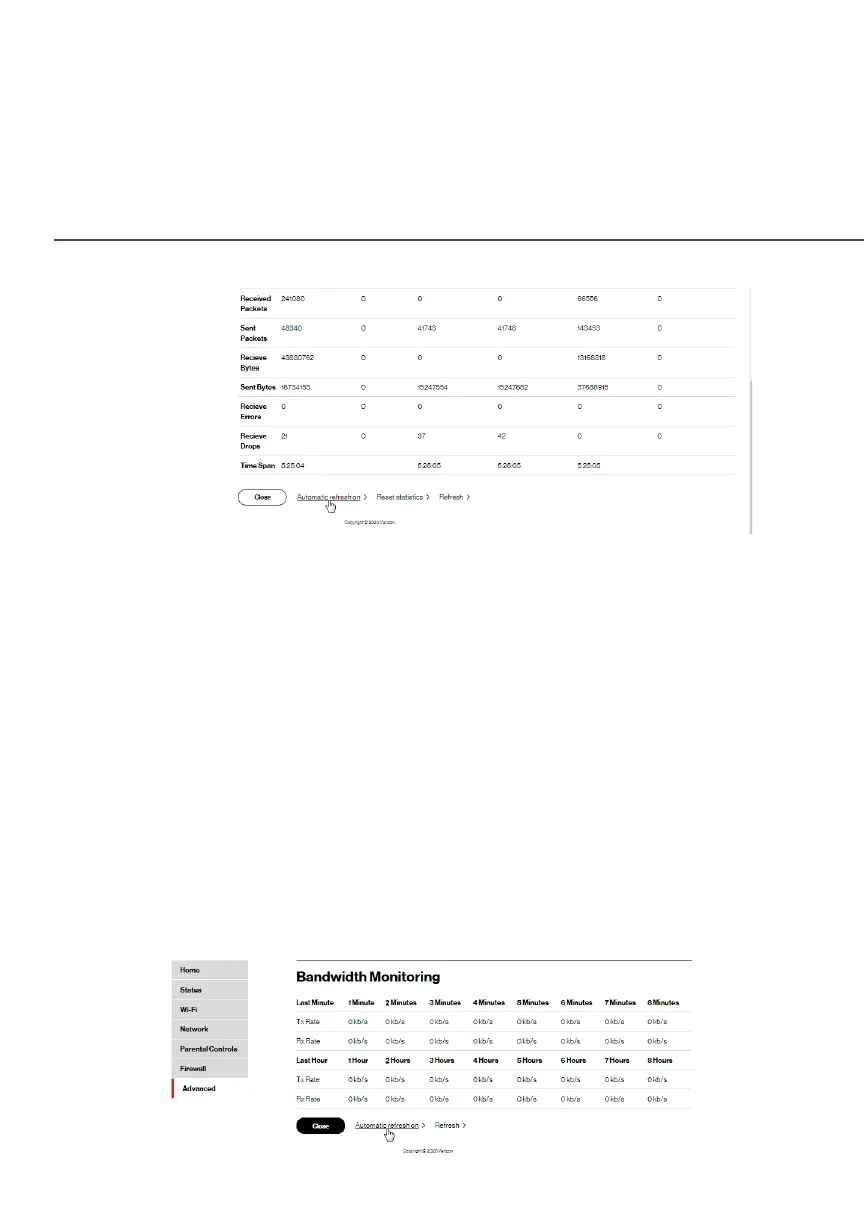
2. To modify the connection properties, click the individual
connection links.
3. To refresh the page, click RefreshRefresh.
4. To continuously refresh the page, click Automatic refresh Automatic refresh
onon.
8.5c/ BANDWIDTH MONITORING
You can view and monitor the recorded bandwidth usage measured
in Kbps.
To view the bandwidth:
1. In the MonitoringMonitoring section, select Bandwidth MonitoringBandwidth Monitoring.




















 To Next Page