GETTING TO KNOW YOUR FIOS ROUTER
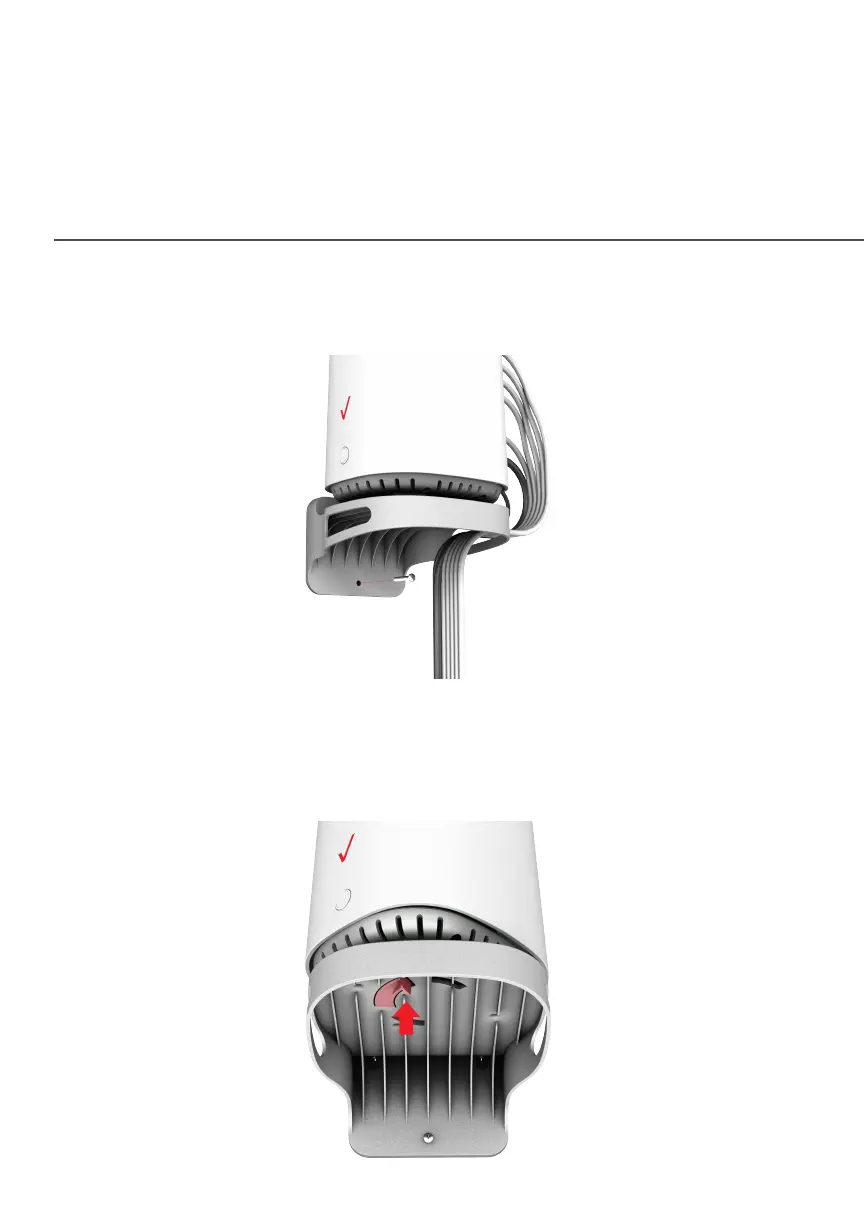
8. To secure the bracket, place one screw into the small hole of
the bracket and tighten the screw into your wall.
Note: To release the lock, twist the router counter-clockwise
and press down on the small clip on the bottom of the
bracket.




















 To Next Page