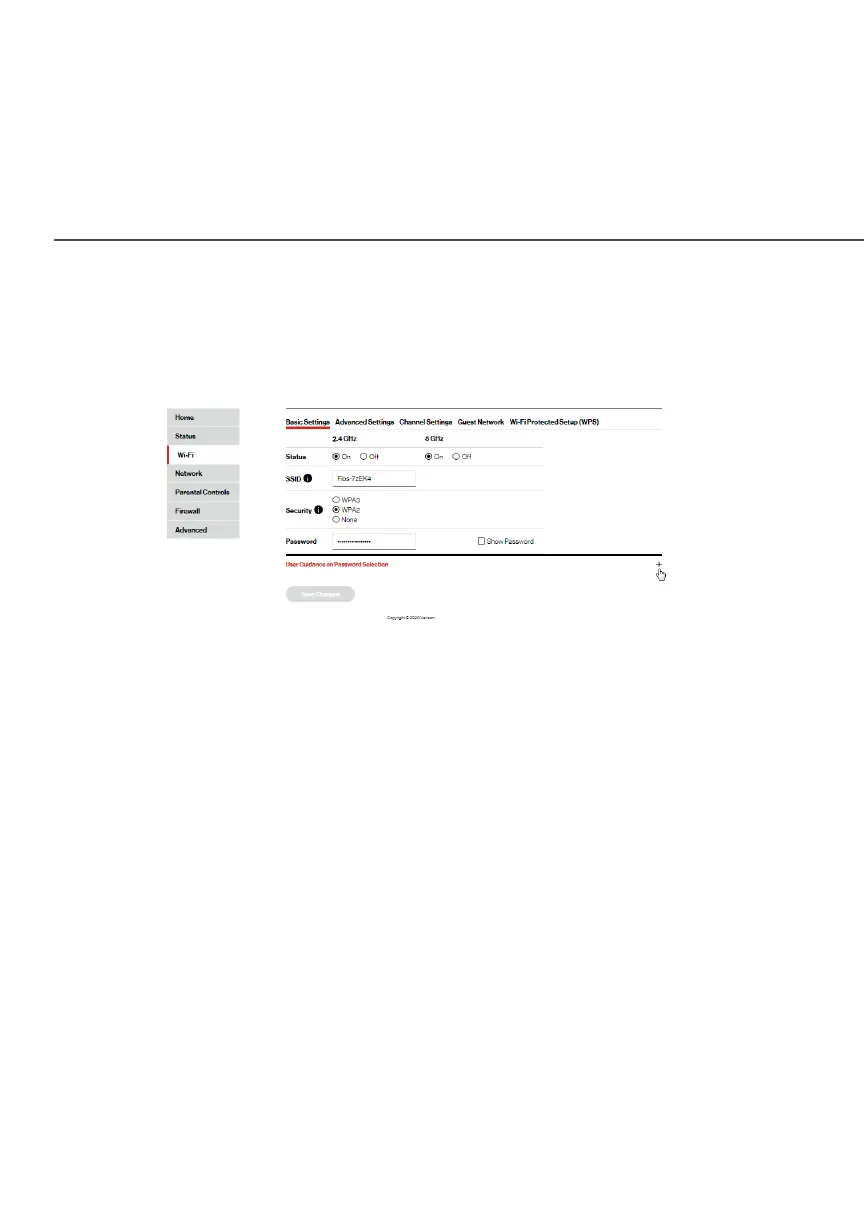
BASIC SETTINGS
./ BASIC SETTINGS
You can configure the basic security settings for either 2.4 GHz or
5 GHz of your Wi-Fi network.
To configure the basic security radio, SSID and security settings:
1. Select Wi-Fi from the left pane, and then click Basic Basic
SettingsSettings.
2. To activate the Wi-Fi radio, click the OnOn radio button.
3. If desired, enter a new name for the Wi-Fi network in
the SSID field or leave the default name that displays
automatically.
4. To activate the Wi-Fi security, click the WPA2 WPA2 or WPA3 WPA3 radio
button.
5. Enter the PSK (Pre-Shared Key) password.
6. Click Save ChangesSave Changes to save the changes.




















 To Next Page