74
/ USING NETWORK
CONNECTIONS
verizon.com/business/products/fios-internet | ©2020 Verizon. All Rights Reserved
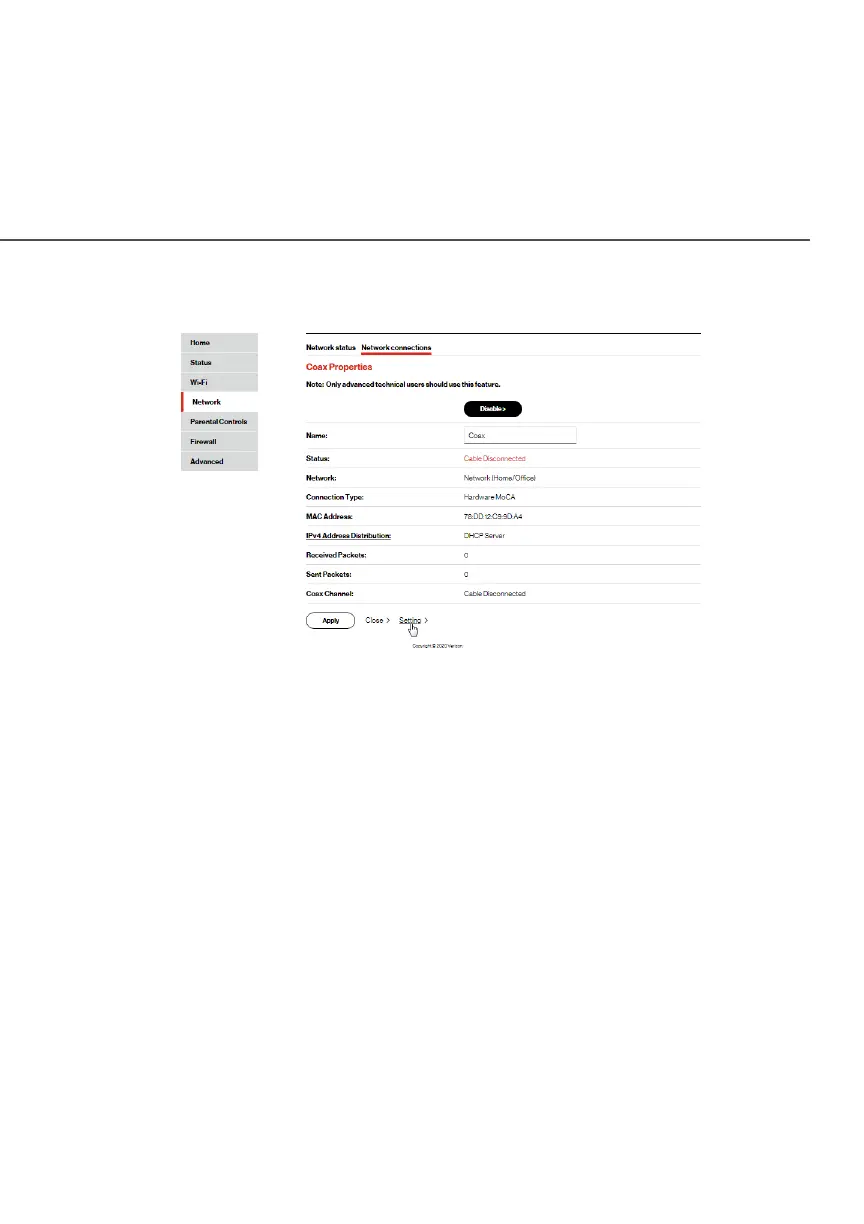
Coax PropertiesCoax Properties
2. To rename the network connection, enter the new name in
the NameName field.
3. Click ApplyApply to save changes.
5.4a/ CONFIGURING THE ETHERNET/COAX CONNECTION
To configure the connection:
1. In the Broadband Connection (Ethernet/Coax) PropertiesBroadband Connection (Ethernet/Coax) Properties
page, click SettingsSettings. The configuration page displays.




















 To Next Page