4G LTE Network Extender
Verizon 4G LTE Network Extender User Guide
Copyright © 2020
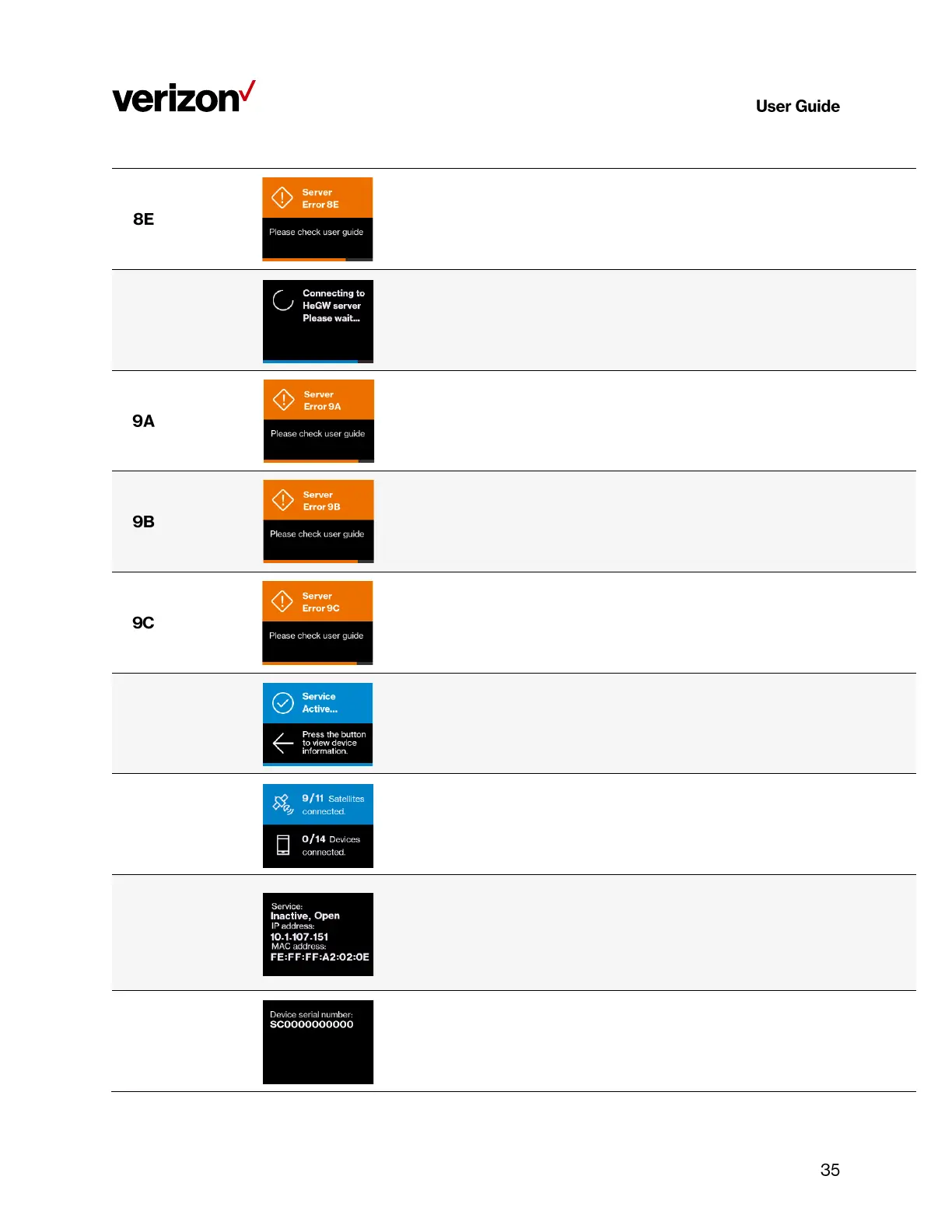
Server Error 8E
Please check user
guide
The LTE Network Extender is put into maintenance mode
(Admin=0) by the management server, and no UE can register on
the device. If the issue persists, please call Customer Service
(800-922-0204).
Connecting to HeGW
server
Please wait…
Server Error 9A
Please check user
guide
The LTE Network Extender failed to connect to the HeNB
Gateway, please check the LAN/ firewall settings or contact your
network administrator. If the issue persists, please call Customer
Service (800-922-0204).
Server Error 9B
Please check user
guide
The LTE Network Extender failed to communicate with Verizon's
backend network, please check the LAN/firewall settings or
contact your network administrator. If the issue persists, please
call Customer Service (800-922-0204).
Server Error 9C
Please check user
guide
The LTE Network Extender detects a PCI collision problem with
the PCI setting assigned by the management server. Please try
restarting your device. If the issue persists, please call Customer
Service (800-922-0204).
Service Active…
Press the button to
view device
information.
9/11 Satellites
connected
0/14 Devices
connected
Displays GPS satellite connections & connected devices.
Service:
Active, Hybrid
IP address:
100.100.100.100
Mac address:
A1:B2:C3:D4:E5:F6
Displays LTE Network Extender information.
Device serial number:
SC000000000
Displays LTE Network Extender information.



 To Next Page