52
Buttons
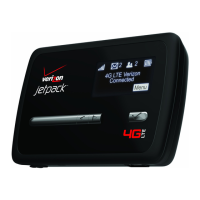
• Restart — Click this button to restart the MiFi 4510L device. All Internet connections, and all
Wi-Fi connections, are lost during the restart.
• Reset to Factory Defaults — Click this button to reset all Access Point and Router settings to
their factory default values. All existing settings are lost.
WARNING! The “Reset to Factory Defaults” operation overwrites ALL existing settings. If the
Wi-Fi settings change, you will lose this connection, and need to reconnect using the new
settings. See How do I reset the Access Point and Router settings back to factory settings? on
page 60.


 To Next Page
 Loading...