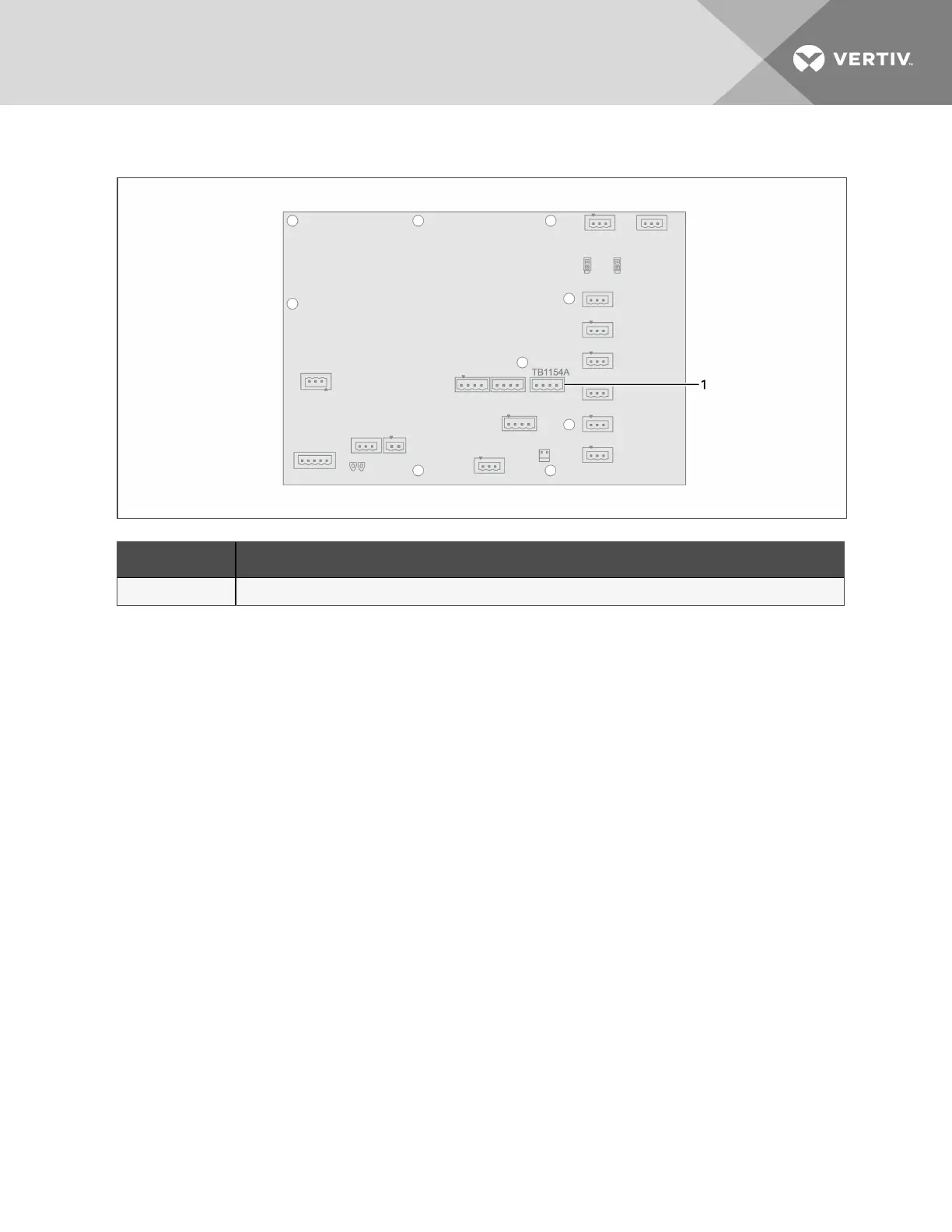
Figure 3.12 Connectors on the NXL EIB
Item Description
1 TB1154A
3.6.5 Connecting a Vertiv™ Battery Monitoring System
Your system may include an optional, battery monitoring system in the cabinet. Battery monitoring continuously checks
critical battery parameters and automatically conducts periodic tests to verify battery operating integrity.
If included, install the battery monitoring system inside the battery cabinet.
• See Figure 3.13 on the next page, for an overview of the equipment and connections.
• Figure 3.14 on page28, shows the typical location of the battery monitoring components when installed in the
cabinet. For detailed installation instructions, refer to the "Albér Universal Battery Diagnostic System
Installer/User Guide" available at www.Vertiv.com.
NOTE: The monitoring system transformer is powered from the output of the UPS to which the battery cabinet is
connected. If monitoring multiple battery cabinets, the cabinet that contains the Control Module must be installed in
the position closest to the UPS.
3 Electrical Installation
25













 To Next Page