DGT / DGT60 / DGTQ / DGTP
58
tot Mode and S tot mode: when the PRINT key is pressed there will be a selection menu with the following
items:
" TOT.1.0": simulates the printing of the first totalisation relative to storage zero.
" TOT.2.0": simulates the printing of another totalisation relative to storage zero.
" SUM 0": simulates the printing of the partial total relative to storage zero.
" TOT.1.1": simulates the printing of the first totalisation relative to storage one.
" TOT.2.1": simulates the printing of another totalisation relative to storage one.
" SUM 1": simulates the printing of the partial total relative to storage one.
" GtotAL": simulates the printing of the general total.
Coun mode: the first time the fields are printed with the Number of Pieces and the APW, the second time the
fields are printed without the Number of Pieces and the APW.
*****************************************************************************************************************************
PREMISE: the purpose is to create the label directly onto the indicator, by configuring the parameters
described below.
Once the programming is done, one will need to download the label onto the printer (doWnLd step) and then
save it in its permanent memory; carefully read section 8.1.
DEFAuL: PRINTOUT DEFAULT
In this step one enables the default printout relative to the selected functioning mode.
The default sets, in each of the following steps, the value marked by the (!) symbol.
FiLdS: PRINT FIELDS
In this step it is possible to select which fields to print among the available ones:
G; n; t; G n; G t; n G; n t; t G, t n; G n t; G t n; n G t; n t G; t G n, t n G (in which G is the gross weight, n is the net
weight and t is the tare weight).
(!) G t n
ChAr.t: FONT TYPE WITH WHICH THE WEIGHT DATA, DATE AND TIME, PROGRESSIVE NUMBERS AND ID’S
ARE PRINTED.
ChAr.1: the data is printed by using the font which will be programmed in the ChAr 1 step.
ChAr.2: the data is printed by using the font which will be programmed in the ChAr 2 step.
SEE EXAMPLE 1.
(!) ChAr 1
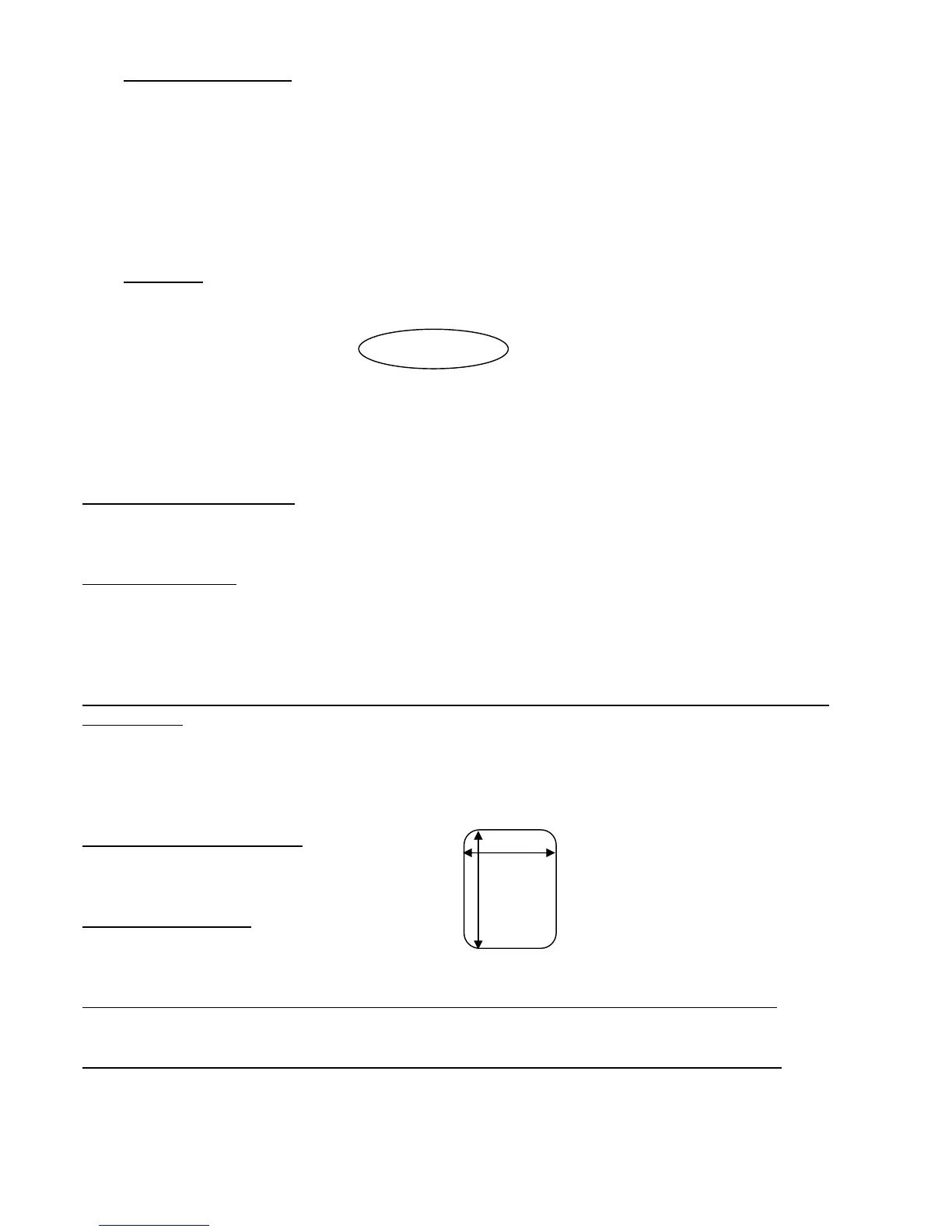
LAbELW: LABEL WIDTH (IN MM)
Enter a value with 3 digits, expressed in mm.
(!) 63
LAbELH: LABEL HEIGHT
Enter a value with 3 digits, expressed in mm.
(!) 80
ChAr 1: SELECTING THE FONT WITH WHICH THE DATA LINKED TO THIS CHARACTER WILL BE PRINTED
(!) Font. 3d
ChAr 2: SELECTING THE FONT WITH WHICH THE DATA LINKED TO THIS CHARACTER WILL BE PRINTED.
(!) Font. 3d



 To Next Page