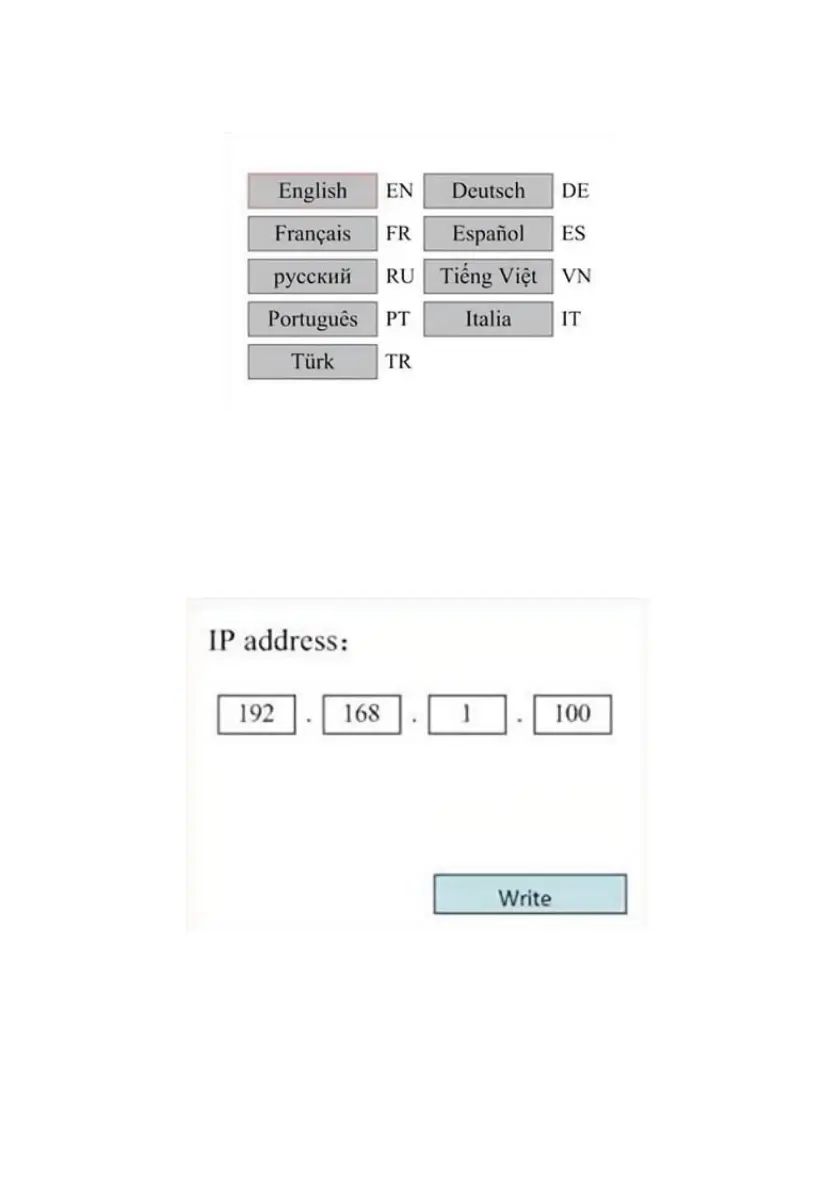
SET THE INTERFACE LANGUAGE.
When selecting a language, press ENT and the left display will show:
The operation method is the same as above. Press ENT after selecting the
desired language and return to the main interface.
SET THE IP ADDRESS OF THE MACHINE.
Once you have selected your IP settings, press ENT and the left display
will show:
Push ◄ or ► and ▲ or ▼ and ENT to change the parameters. The
default address for the engraver is 192.168.1.100. If this feature is already
being used on your local network, use 192.168.1 for the first three sections
and choose a unique value for the last part. In general, any value between
2-252 should be fine except for 47, but avoid values that are already in use
by other networked devices.



 To Next Page