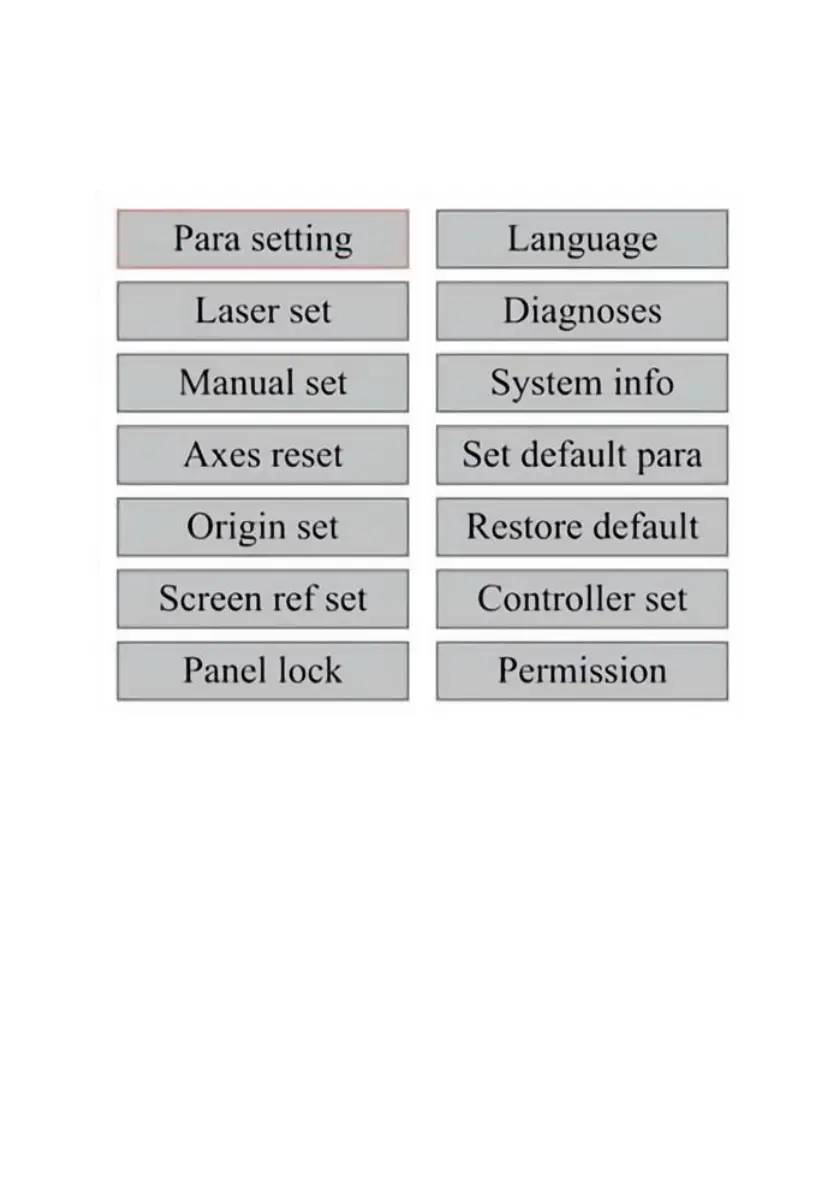
FUNCTION MENU.
Press the menu on the main interface to enter the menu interface:
Press the ▲ and ▼ keys to select the item, and then press ENT to enter
the corresponding submenu.
ADJUST THE Z-AXIS.
When Z Move is selected, press ◄ or ► to control the movement of the
Z axis while the sensor kit is installed.
ADJUST THE U-AXIS.
When U Move is selected, press ◄ or ► to control the movement of the
U axis. This can be used to control the rotational position of the axis of
rotation or the linearity of the automatic feed (positions are sold separately)
if both Installation.



 To Next Page