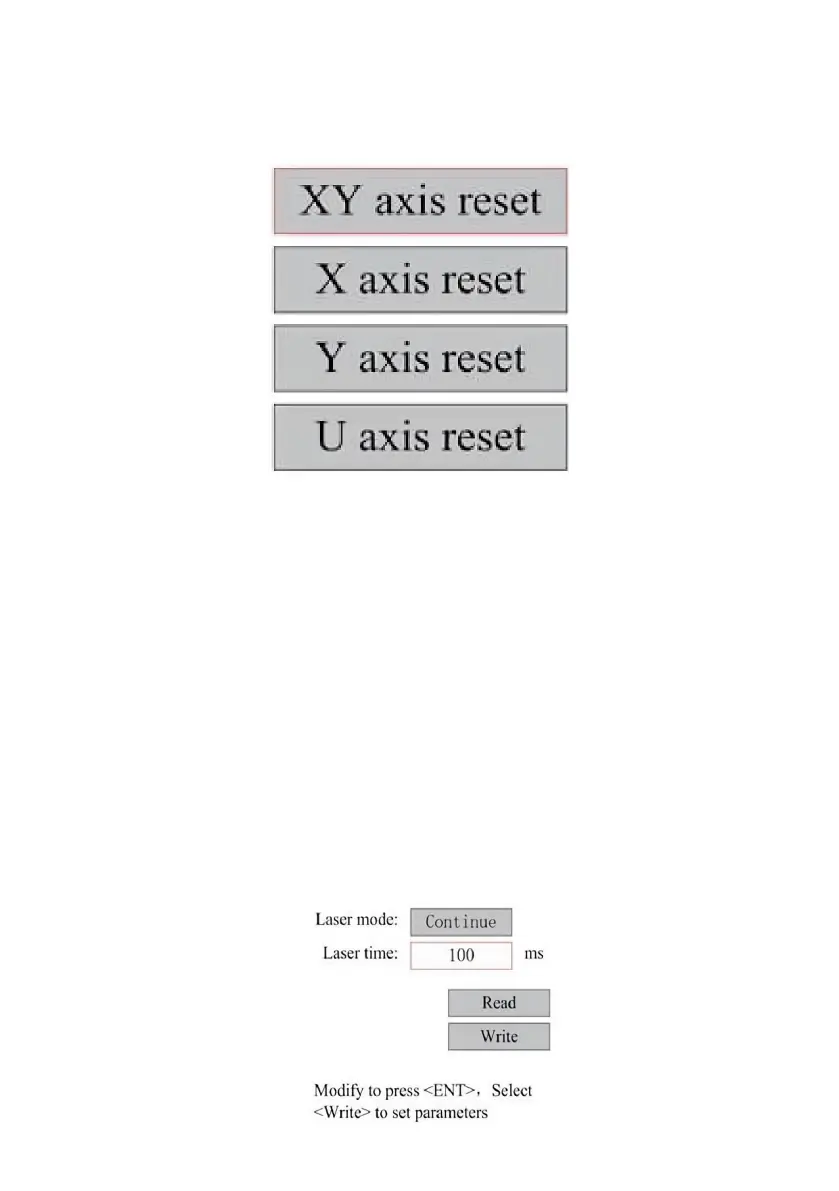
RESET THE AXIS.
When Shaft Reset+ is selected, press ENT, and the left display will
show:Push ▲ or ▼ to select an item.
Press ENT to start resetting the selected axis and the message "Reset in
progress" will appear on the screen.
When it is done, the message will disappear automatically and the system
will return to the main interface.
ADJUST THE LASER SETTINGS.
After selecting the laser settings and pressing ENT, the left display will
show:The operation method is the same as the previous setting. When you
select Continue, press PULSE to fire the laser, and then release the key to
complete the firing. When you're done making adjustments, save them by
selecting the ENT key to write or press-ing the ESC key to leave without
saving the changes. Reading can load saved parameters.



 To Next Page