Press ENT to save your changes.
Press ESC to invalidate the changes and go back to the main interface.
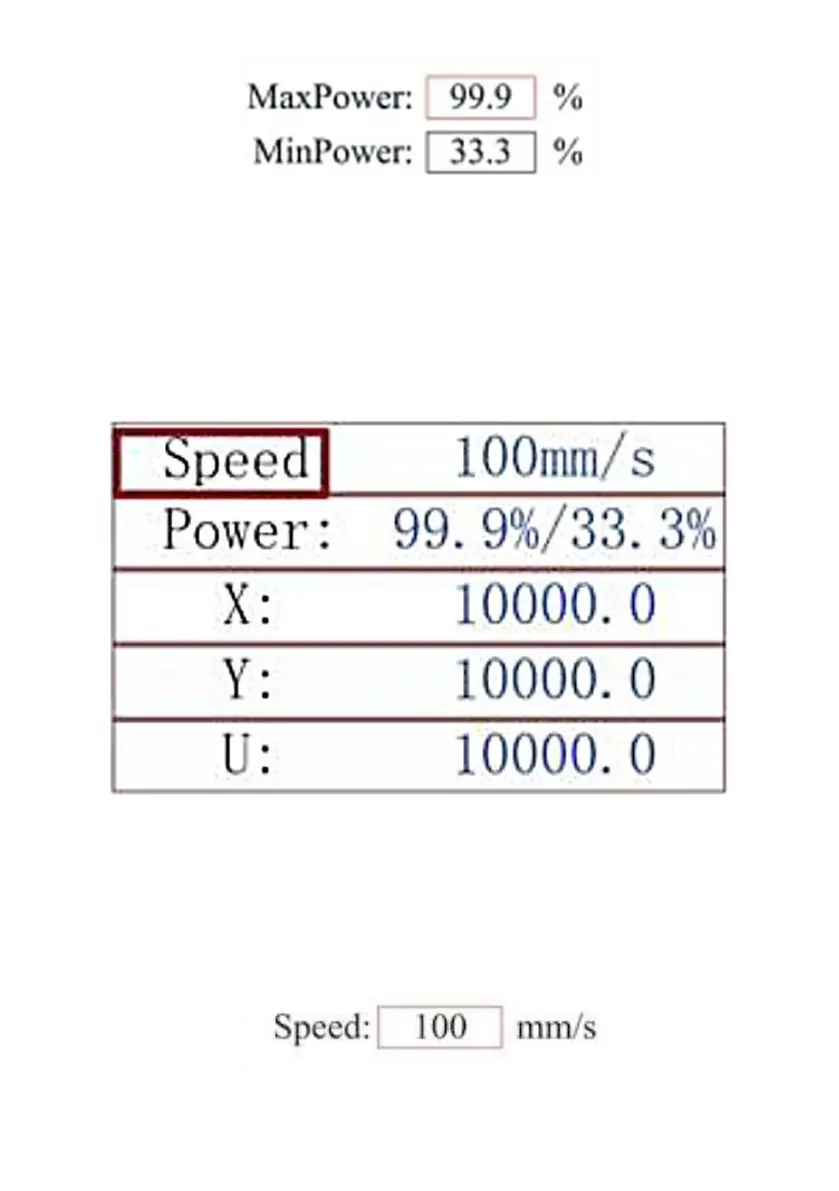
SET THE LASER SPEED
When you press ENT in the main interface, the cursor box initially
selects the "Speed" parameter.
Press the ENT key again to bring up this interface.
Press the ▲ and ▼ keys to change the parameter value.
Press ENT to save your changes.
Press ESC to invalidate the changes and go back to the main interface.



 To Next Page