Just like the button says, press Run/Pause to start engraving the loaded
pattern and pause the engraving when needed.
In the event of an emergency such as fire, do not use the control panel to
pause or stop engraving. Press the emergency stop button immediately.
SET THE LASER POWER.
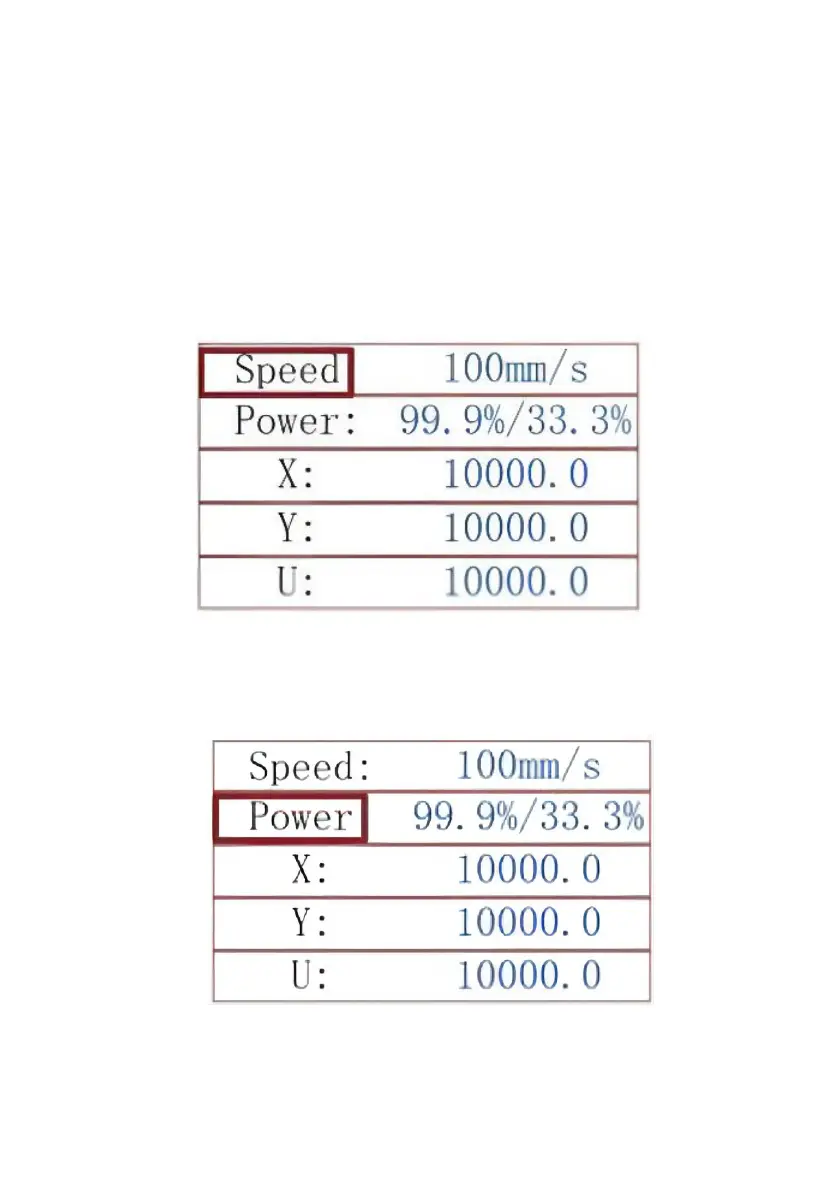
When you press ENT in the main interface, the cursor box initially selects
the "Speed" parameter.
Press the ▲ and ▼ keys to switch between parameters. Select the
Power parameter.
Press ENT when the red cursor is over Power. Press the ▲ and ▼ keys
to change the parameter value.



 To Next Page