after drainage, enter automatic rinsing stage,
Clean for 3 minutes, drain for 30 s, and
recyclefor 5 times. The cleaning process ends
and the screen shows OFF", enter
standby state;
Note: if you need quick cleaning, you can not wait
15 minutes to start drainage directly after 30 s,
enter the rinsing stage, rinse if you do not need to
cycle many times can press "stop rinsing,
into standby state;
10.6 Booking of Ice
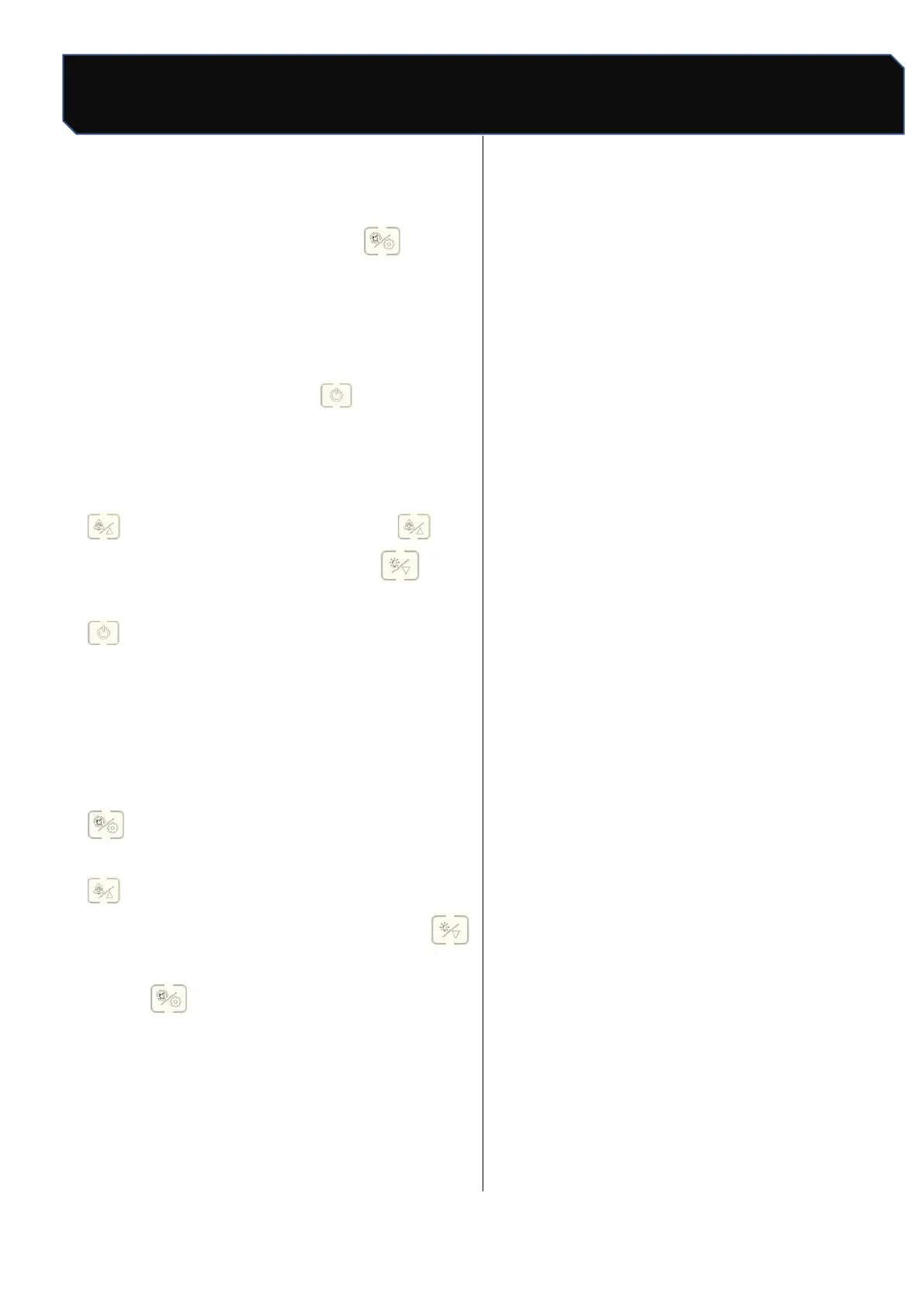
Standby state (display "OFF""), the first time press
" enter time settings, each press "can
increase 10 minutes, each press" can
reduce 10 minutes; after setting up, press
once, the screen shows the countdown of the
set time, When the countdown is 00:00, the ice
maker begins to make ice.
10.7 Setup function
Standby state (screen display OFF), long press
"until the screen" OFF "disappear jump
into the parameter setting state, through "
," to control the addition and subtraction
operation, set the state of light point"
switch the next setting, parameter switch
round , from the first parameter cycle
again.
*" Setup function "is recommended to be operated
under the guidance of professionals and not to be
adjusted privately (see maintenance page for
details);



 To Next Page