Installation
2-15
Power Button (PW_BN)
Connect to a 2-pin switch button. Pressing this button will turn the system
power on or off.
Reset Switch (RST_SW)
The Reset Switch is used to reboot the system rather than turning the power
ON/OFF. Avoid rebooting while the HDD is working. You can connect the
Reset Switch from the system case to this pin.
Power LED (PW_LED)
The LED is lit when the system is power on. If the system is in S1 (POS - Power
On Suspend) or S3 (STR - Suspend To RAM) state, the LED will blink.
HDD LED (HD_LED)
HDD LED shows the activity of a hard disk drive. Avoid turning the power off
while HDD LED is lit. Connect the HDD LED from the system case to this pin.
Sleep LED (SLP_LED)
The SLED is lit when the system is in the S1 (POS - Power On Suspend) state.
Speaker (SPEAKER)
The speaker from the system case is connected to this pin.
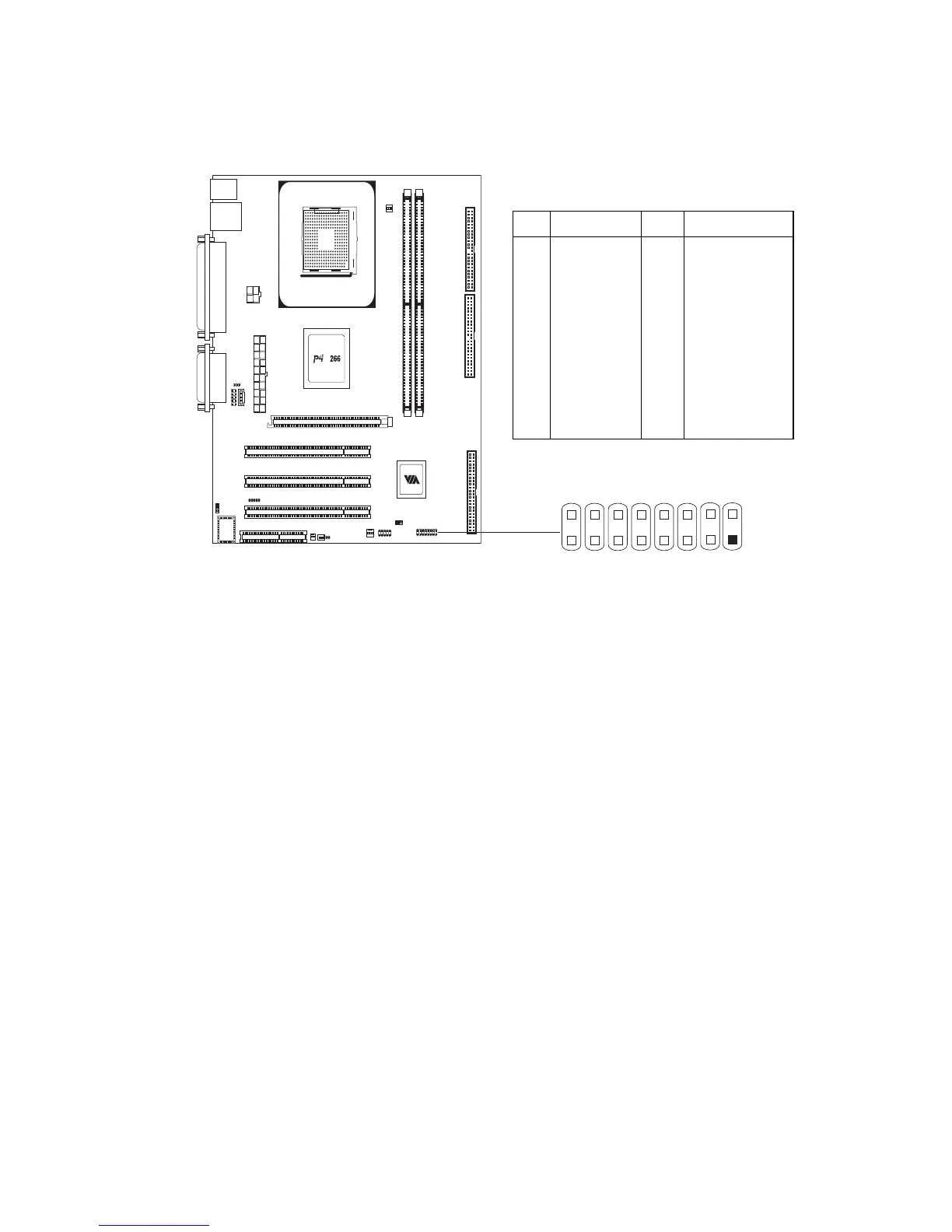
Pin Definition
Socket 478
M
PIN SIGNAL PIN SIGNAL
1
3
5
7
9
11
13
15
PWR_LED+
PWR_LED+
PWR_LED-
SPEAKER-
NC
NC
SPEAKER-
NC
2
4
6
8
10
12
14
16
HD_LED+
HD_LED-
PW+
PW-
RESET+
RESET-
SLED+
SLED-
F_PANEL
1
2
15
16














 To Next Page