BIOS Setup
3-17
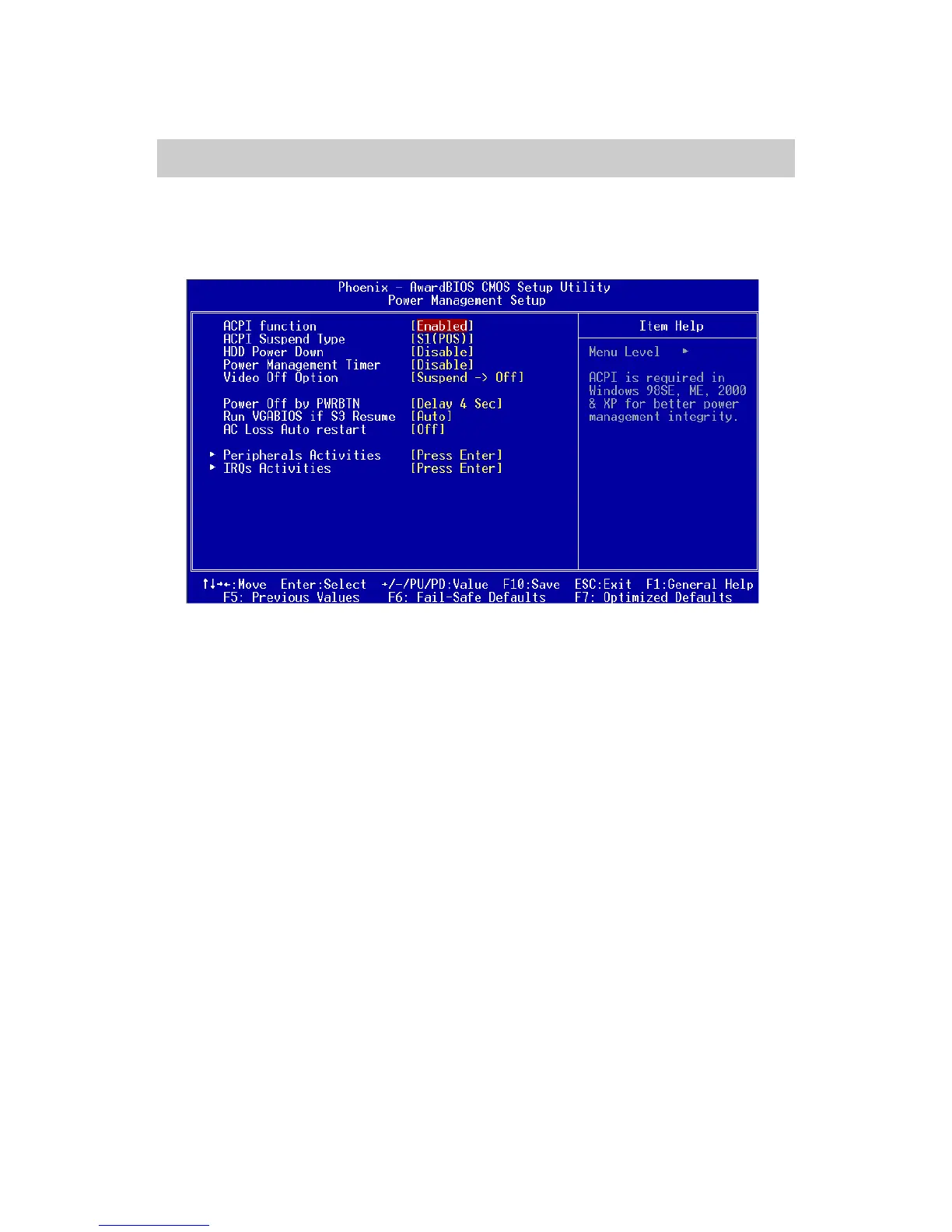
Power Management Setup
The Power Management Setup menu configures the system to most effec-
tively save energy while operating in a manner consistent with your own style
of computer use.
ACPI Function
Activate the ACPI (Advanced Configuration and Power Management
Interface) Function. If your operating system is ACPI-aware (i.e. Win-
dows 98/98SE/ME/2000/XP) select Enabled. Settings: Enabled and
Disabled.
ACPI Suspend Type
Set the power saving mode for ACPI function. Settings are:
S1/POS - S1/Power On Suspend (POS) is a low power state. In this state, no
system context (CPU or chipset) is lost and hardware maintains all system context.
S3/STR - S3/Suspend To RAM (STR) is a power-down state. In this state, power
is supplied only to essential components such as main memory and wakeup-
capable devices. The system context is saved to main memory, and context is
restored from the memory when a “wakeup” event occurs.
S1 & S3 - Depends on OS to select S1 or S3.
HDD Power Down
Set the time to power down HDD after hard disk inactivity. Settings:
Disable and 1~15 Min.














 To Next Page