BIOS Setup
3-29
This option on the main menu allows users to restore all the BIOS settings to
the default Optimized values. The Optimized Defaults are the default values
also set by the mainboard manufacturer for both optimized and stable perform-
ance of the mainboard.
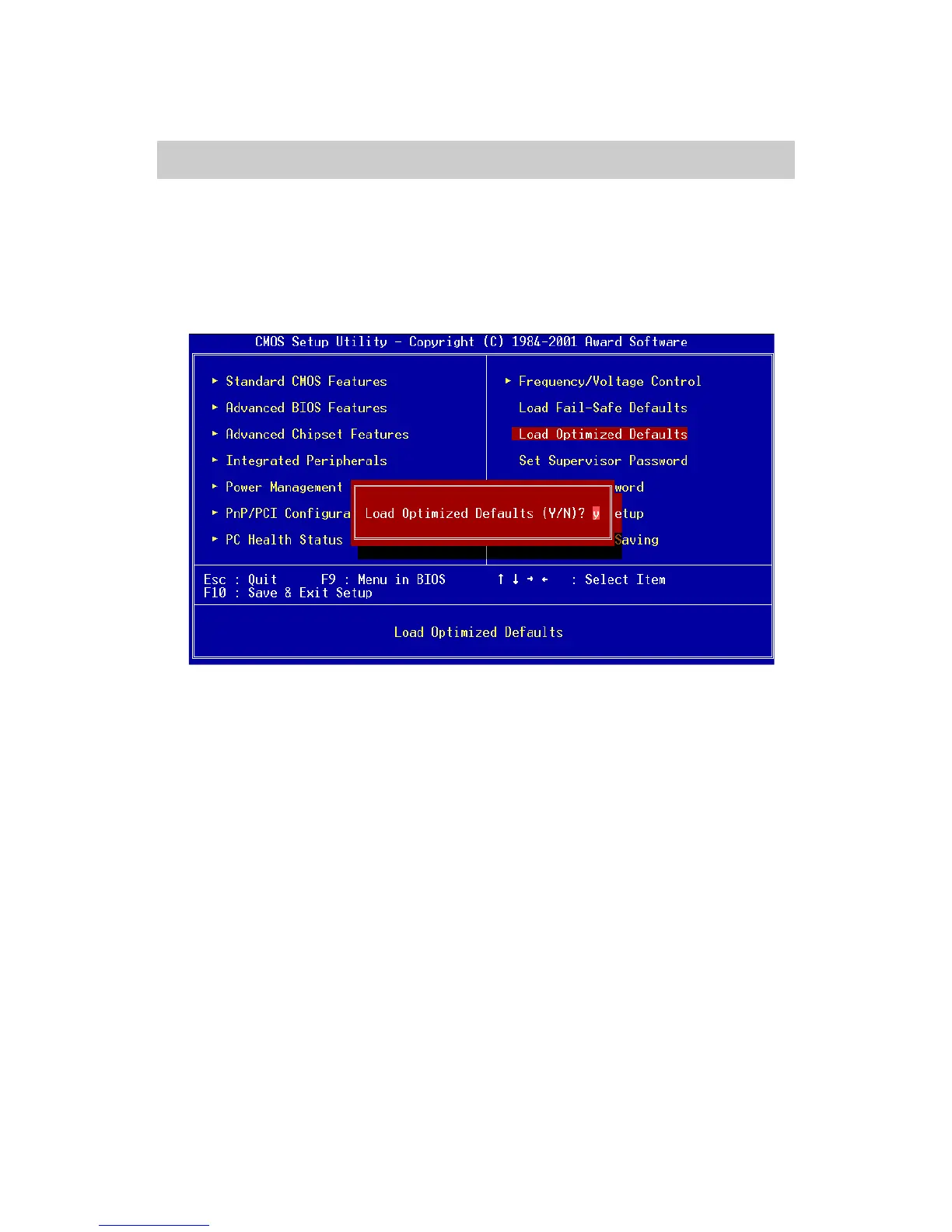
When you select Load Optimized Defaults, a message as below appears:
Pressing ‘Y’ loads the default values that are factory settings for optimal
and stable system performance.
Load Optimized Defaults














 To Next Page