BIOS Setup
3-23
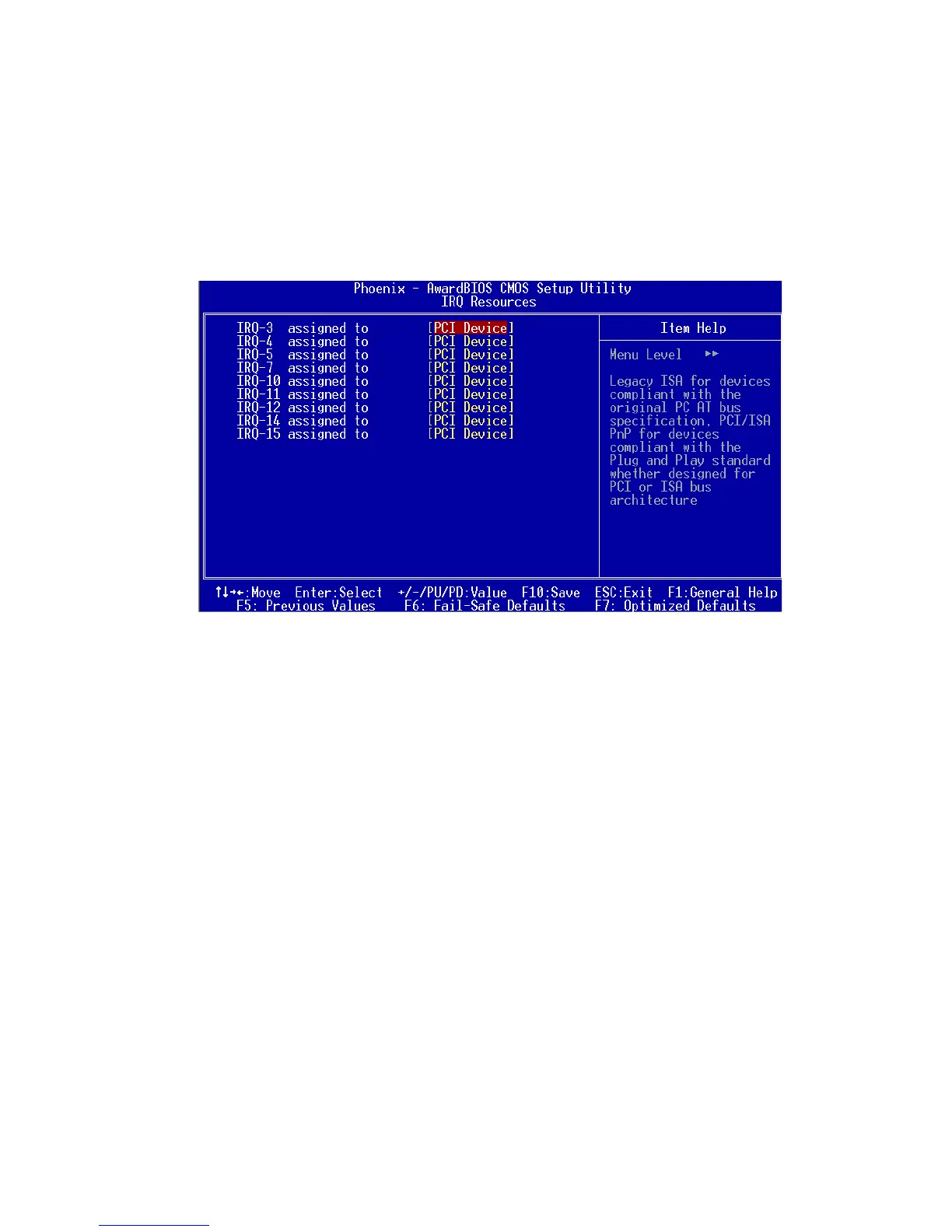
IRQ Resources
The items are adjustable only when Resources Controlled By is set to
Manual. Press <Enter> and you will enter the sub-menu of the items.
IRQ Resources list IRQ 3/4/5/7/10/11/12/14/15 for users to set each IRQ a
type depending on the type of device using the IRQ. Settings:
PCI Device For Plug & Play compatible devices designed for PCI
bus architecture.
Reserved The IRQ will be reserved for further request.
Assign IRQ For VGA/USB
Assign IRQ for VGA and USB devices. Settings: Disabled and Enabled.














 To Next Page