iMS3D – Indoor Mobile Scanning System
Operating Guide. © Viametris SAS.
iMS3D – Operating Guide Document v2.12 10
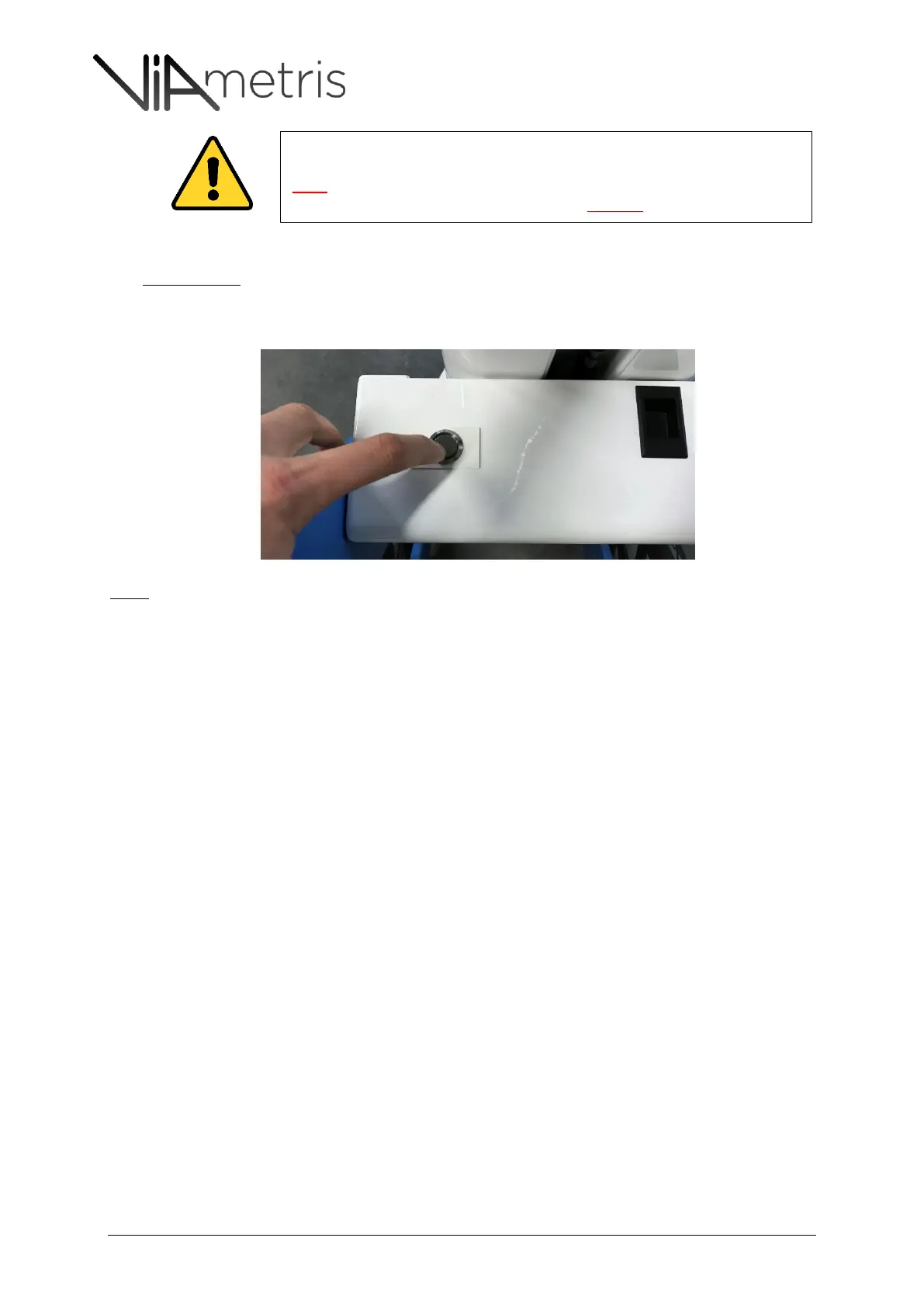
SECOND CASE – From system version “iMMSv2e”, the system embeds power control board with
a different switch: non-permanent Push Button with blue light circle. Push the button at least one
second until the light is flashing
Note:
Then, the blue light is flashing every second until the system has properly started - Once initialized and ready to go,
the light is on.
By switching on the system, the computer will beep, the profilers will start with LEDs and the camera will have one
Green/Orange LED on.
All the iMS3D version with serial number prefix iMMSv2a, iMMSv2b, iMMSv2c
and iMMSv2d are designed without power control board. It means that the user
must respect the process to power off the system.
Otherwise, the embedded computer could be DAMAGED



 To Next Page