iMS3D – Indoor Mobile Scanning System
Operating Guide. © Viametris SAS.
iMS3D – Operating Guide Document v2.12 6
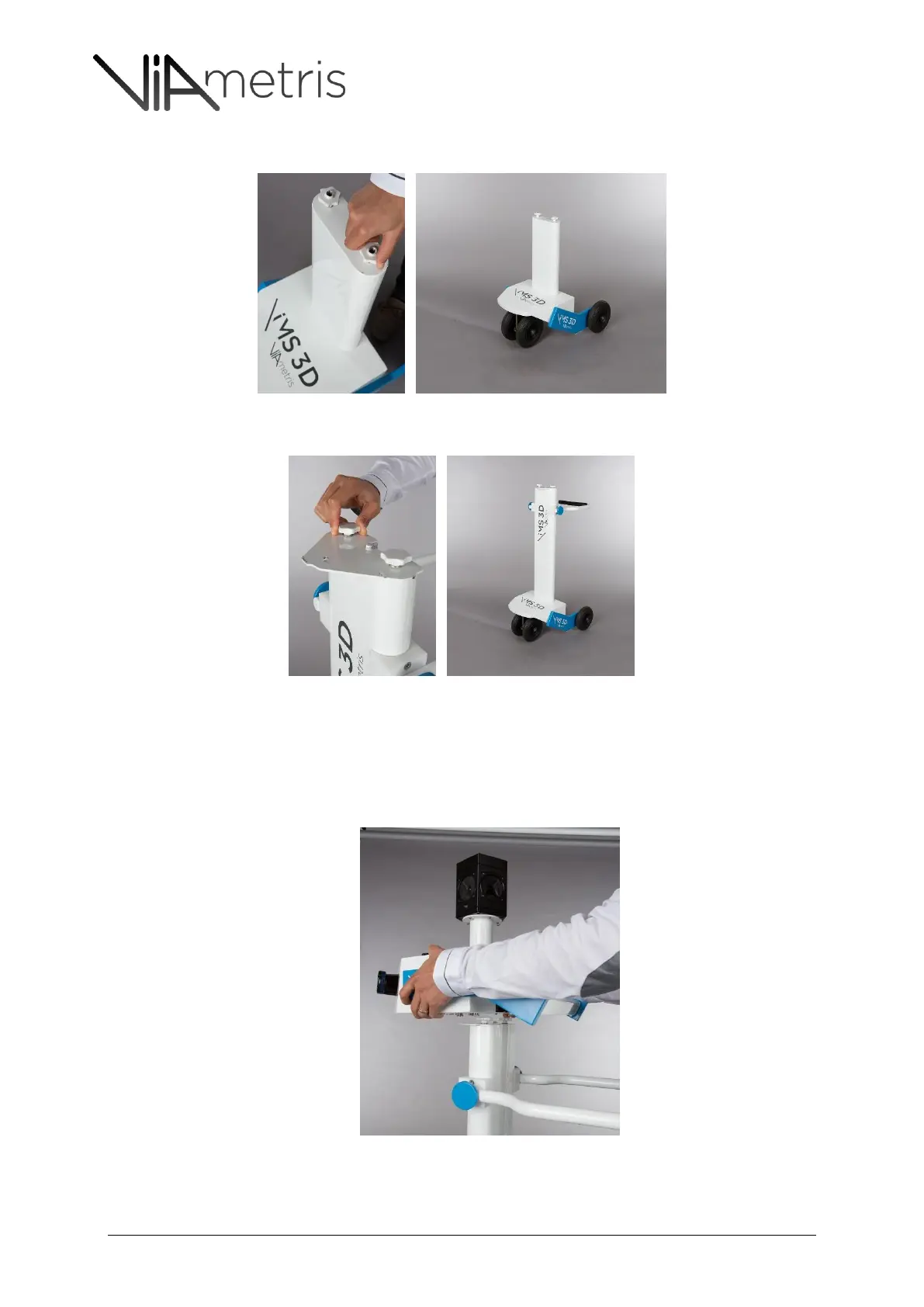
3. Select the next Mast frame #1 and screw it on the roller
4. Select the next Mast frame and screw it using the same method:
5. Mount the camera frame on the sensor unit – the Ladybug camera gets six (6) different
cameras spread on a pentagon: Five (5) all around and one (1) on the top.
THE CAMERA INDEX #0 MUST BE ORIENTED FORWARD
6. Mount the unit on the frame
7. The sensor unit needs to be placed with a 15 degrees angle with respect to the frame



 To Next Page