iMS3D – Indoor Mobile Scanning System
Operating Guide. © Viametris SAS.
iMS3D – Operating Guide Document v2.12 8
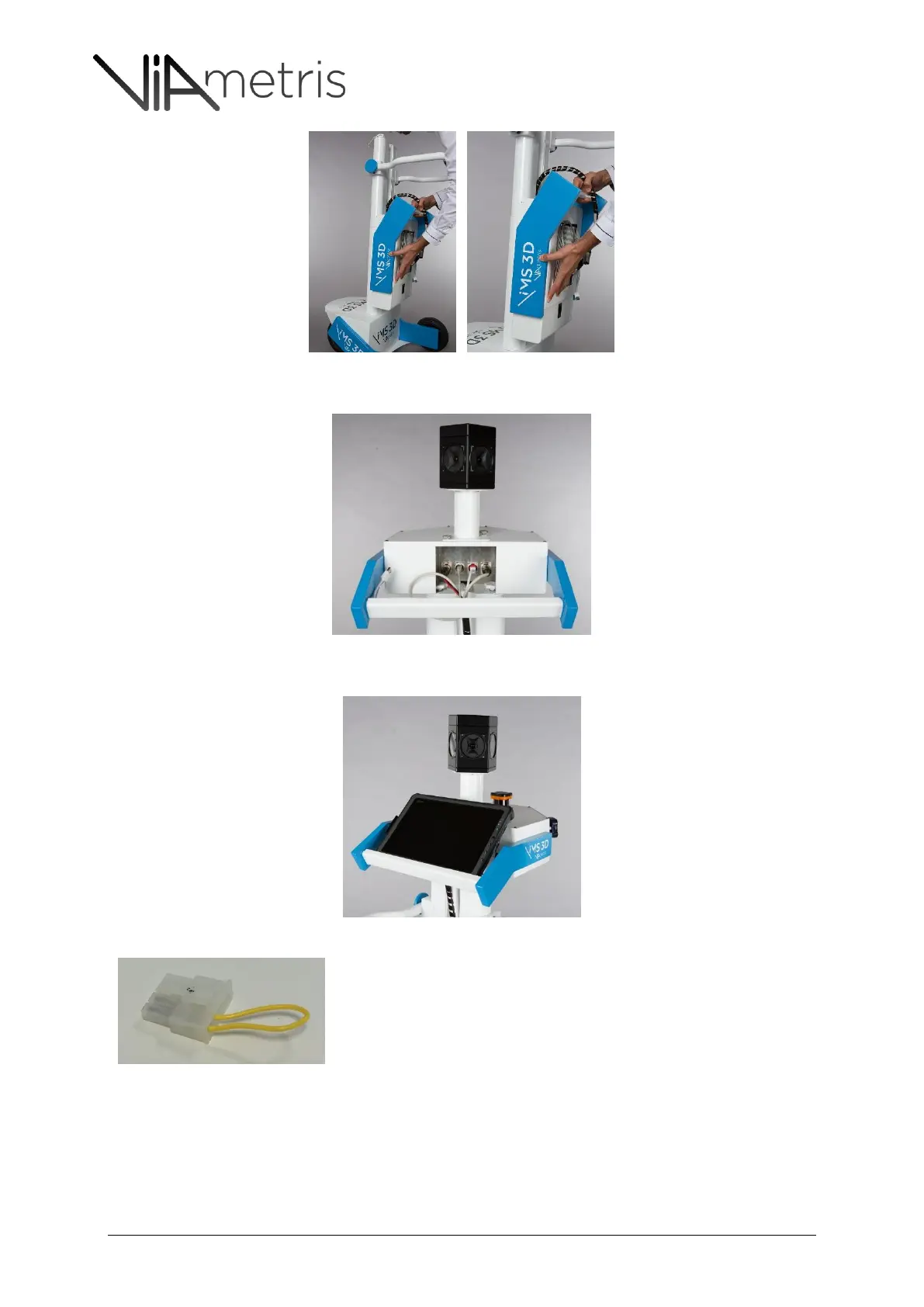
10. Plug every cable to the sensor unit. No confusion is possible.
11. You can plug the tablet using the USB3 to Ethernet device and put the tablet on the stand
For safety reason, VIAMETRIS disconnect the battery “molex” connector. This is a
hardware switch which disconnect the battery since this molex is not plugged.
Then, your first start requires you to open the battery compartment under the
computer (Processing unit) and plug the molex to the battery.



 To Next Page