OLP-87/OLP-87P 75
DATA MANAGEMENT OF PROBE AND PCM TESTS
10 DATA MANAGEMENT
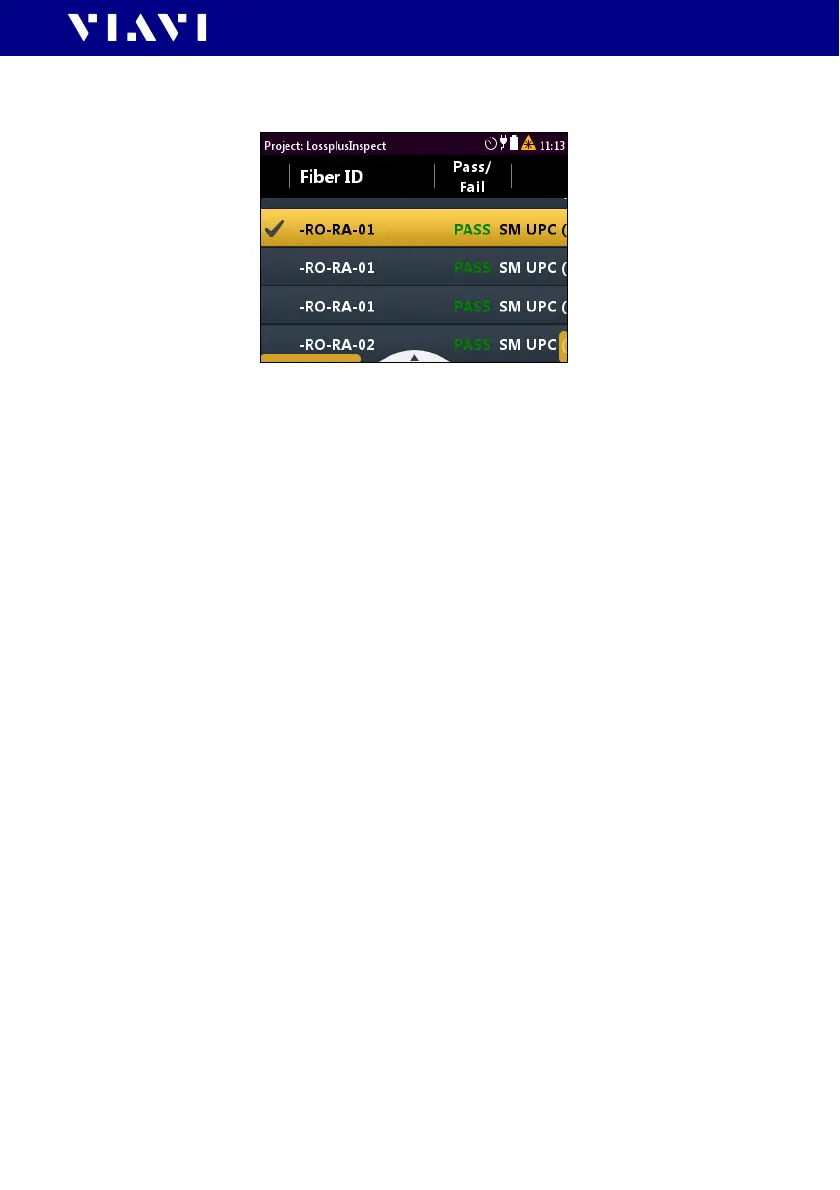
The check mark shows the selected test.
To select multiple tests:
J Repeat step 1 to select multiple entries.
To select all tests:
J Press the
[A] key and tap [Select All].
To deselect all tests:
J Press the
[A] key and tap [Deselect All].
Displaying test results
NOTE: When selecting multiple tests, all selected tests can be viewed
one after another without switching back to the list and selecting
another test.
To display a test result:
1. Select one, multiple or all tests.
2. Press the
[A] key and tap the [View Selected] button.
The test results are displayed in full screen.
To view the next test result:
I The selected test result is displayed in full screen.
1. Press the center key.
– or –
2. Press the
[A] key and tap the [Next] button.
To view the previous test result:
I The selected test result is displayed in full screen.
J Press the [A] key and tap the [Prev] button.



 To Next Page