12 Quick Start
Displaying modes
on the Commander
The Commander can display four
different operating modes. You can indivi-
dually control the different operations this
way. You make your choice in the menu
“displaying mode”.
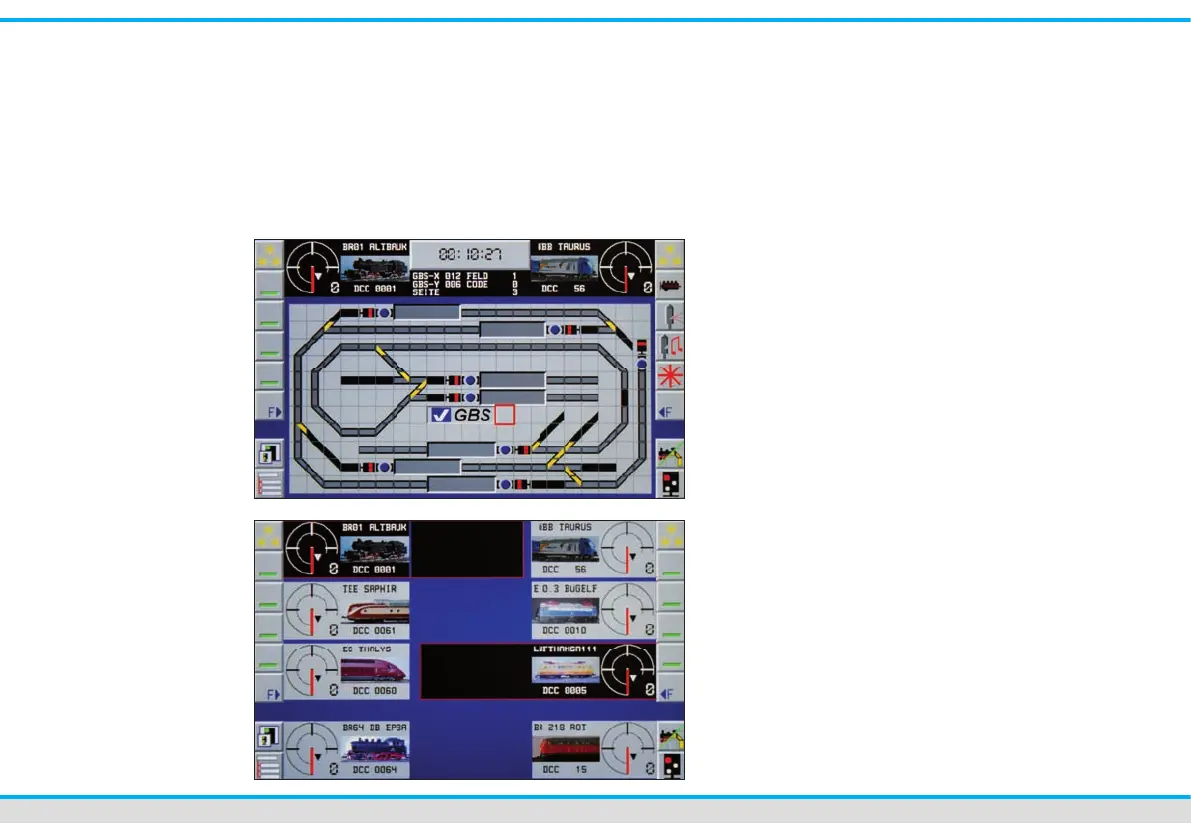
Mode track diagram & loco
This mode is the standard displaying
mode. It represents the track diagram and
to control panels for the locomotives.
Mode locomotives
You have immediate access to 8 trains.
The actually controlled locomotives have
a black background. You activate them by
a ngertip on the respective speedometer.
You can choose your locomotive out of the
list by a ngertip on the respective icon.



 To Next Page