27
Viessmann Commander
Route editor
The control of routes is an important tool
to automate the operations on your layout.
You can call up and exploit routes auto-
matically either time controlled or by feed-
back modules, or manually at the touch of
a button. The Commander visualizes
switched routes by a yellow illumination.
How to set up and edit a route:
You have to design the track diagram
before setting up a route.
So, draw the track diagram of your layout
with the Commander rst.
• Call up the menu “Route” by pressing
the system-touch eld
(left down below).
• Push slightly on the respective sym-
bol next to the label “Route” in order to
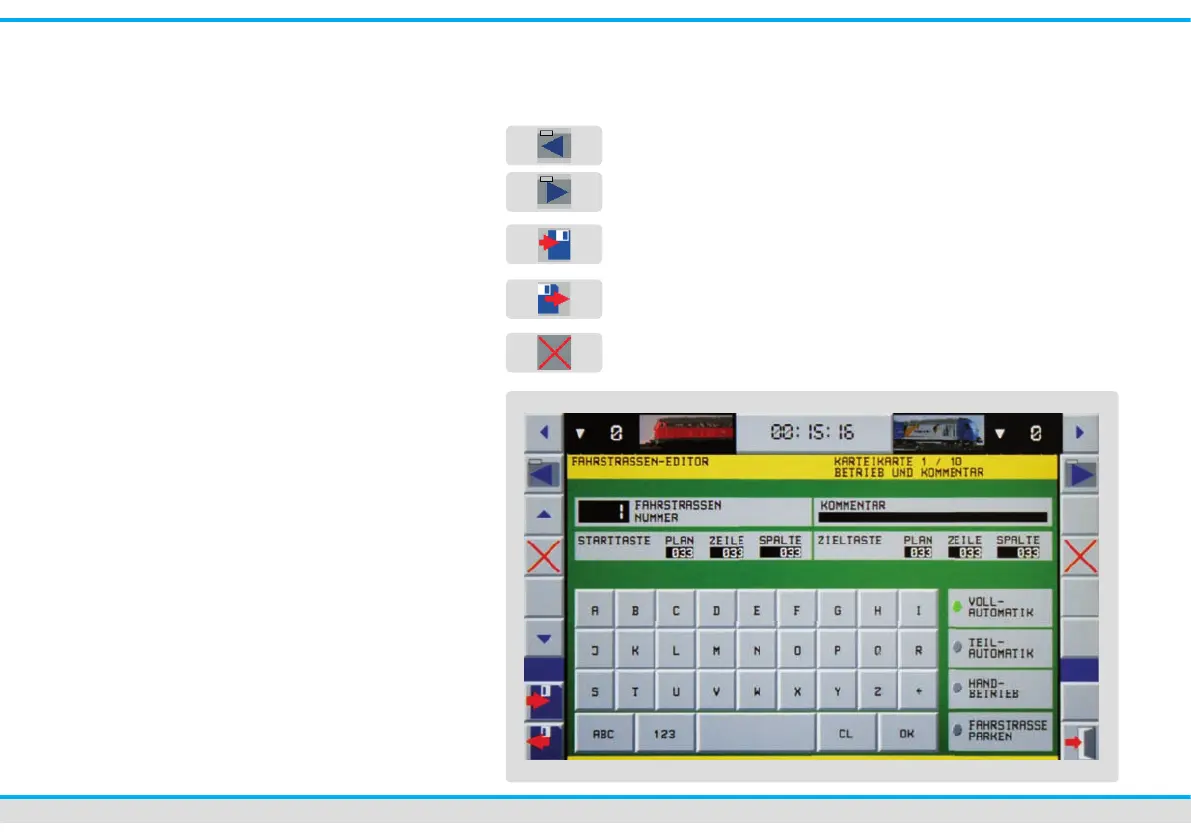
open the editor. You are now in the
route editor. You can program all
parameters of a route using the 9 index
cards you have to your disposal.
On the left and right hand side of the index
cards are several different touch elds in
order to edit the inputs.
previous index card
next index card
save complete route on the
Commander
load complete route
delete selected index
card entry



 To Next Page