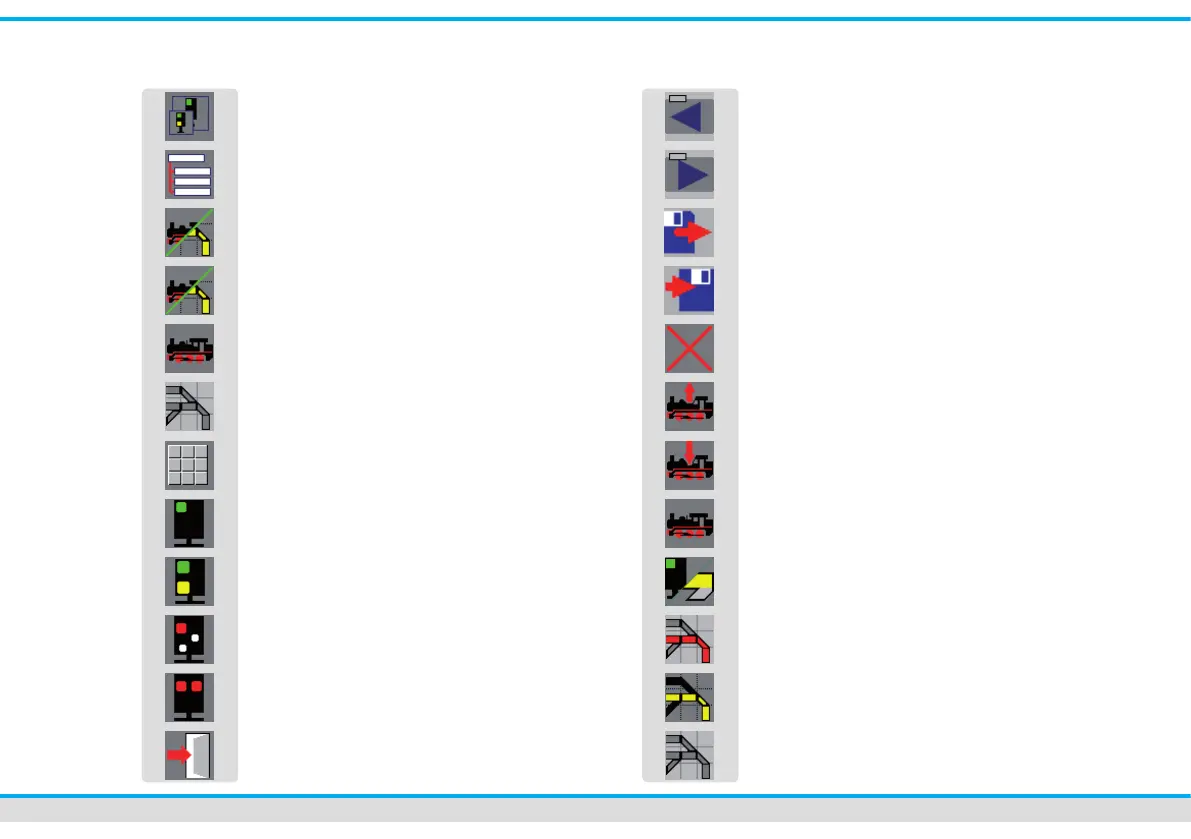
Overview of the touch elds
Zoom-menu
System-menu / editors
Display mode-menu
Mode „locomotive and track diagram“
Modus „locomotives“
Modus „track diagram“
Direct Mode
Operating mode „fully automatic“
Operating mode „semi automatic“
Operating mode „manual“
Operating mode „stop operation“
Exit menu
previous index card
next index card
load
save
delete
read data of the loco-decoder (CV-values)
write data into the loco-decoder (CV-values)
Editor: locomotives
Editor: turnout and signal
Editor: feedback
Editor: route
Editor: track diagram



 To Next Page