of an operation and return to the normal
running mode after that. Please respect
absolutely the operating instruction of
the decoder.
Märklin/Motorola- Decoder:
The address of older locomotive deco-
der with the Märklin-Motorola format is
adjusted by Dual Inline switches (DIP-
switches).
The Commander shows you
graphically how to adjust the switches
for the respective address, using the
Märklin-Motorola-protocol.
Connection to the
Viessmann-SpeedBus:
Connect an appropriate decoder to the
LowSpeedBus of the Commander.
The Commander identi es the decoder.
A “Selection-window” pops up and the
Commander makes it possible for you to
de ne the position of the new accessory in
the track diagram and to con gure it.
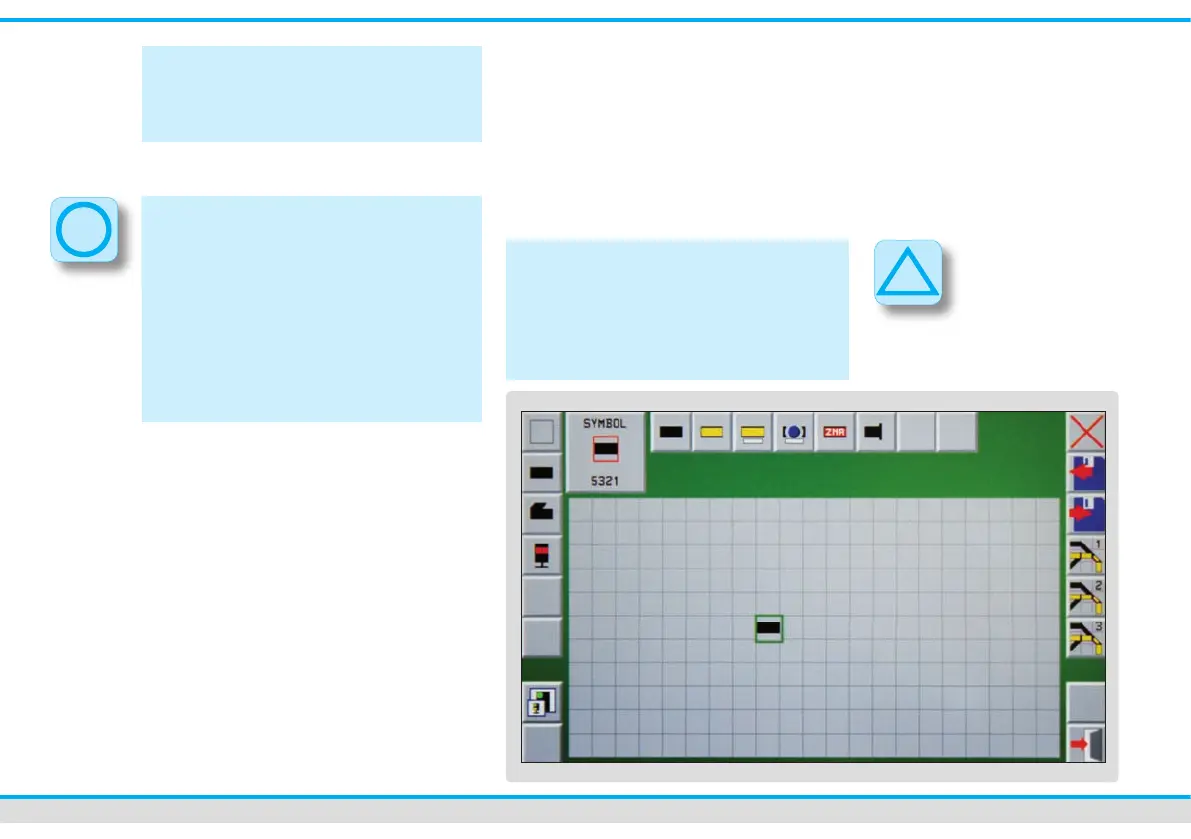
Track diagram editor:
The track diagram enables you to draw
or modify track diagrams directly with the
Commander. You can draw up and save
three different track diagrams. The track
diagram can be larger than the displayed
section on the Commander.
Track diagrams can only be edited when
the Commander is in the mode “manual
operation”. The touch eld in the bottom
right-hand corner must represent a red
signal (symbol of the signal aspect Hp0
or Hp0/Sh1).



 To Next Page