Programming of the speed regulation:
• Touch slightly the respective speed
symbol (see symbols on page 29).
• Regulate the speed by one of the
speed control knobs.
• Con rm the adjusted speed value by
pushing the key “Set”.
Remark to locomotive-lists:
You can organize your locomotives’ list
with the index card “edit the locomotive
list”. Assign your locomotives to the
different sub-lists and de ne the position
where the locomotive should be listed in
the respective list.
Organize the locomotive list:
• You select a locomotive out of one of
the lists with the navigator. Her back-
ground will change to red.
• Push on the ash pointing to “parked
locomotive” in order to park the
locomotive.
• Select the new position of the locomoti-
ve in one of the lists with the navigator.
Attention: the parked locomotive will be
inserted in the list just above the
selected locomotive position.
• Add the locomotive to the respective list
by pushing the ash pointing to
“Locomotive list”.
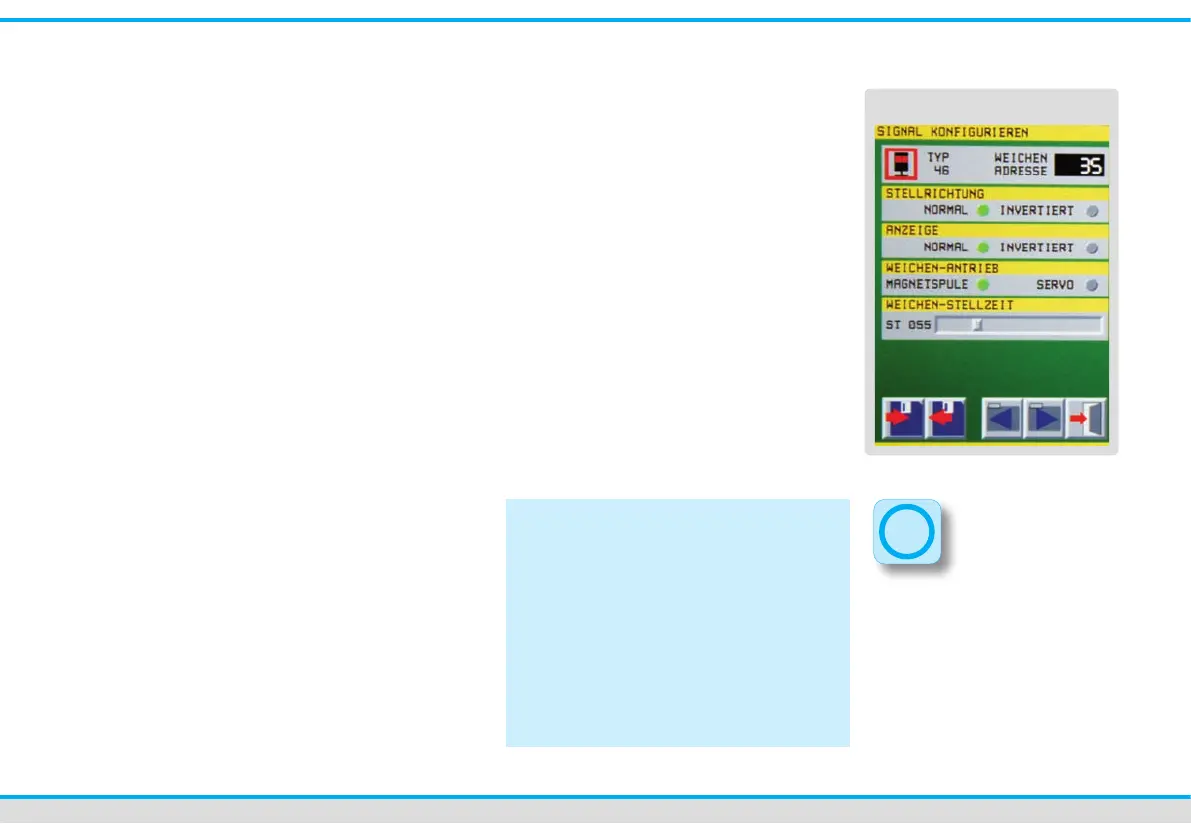
Turnout- and signal editor
Turnouts and signals can be connected
to the track power of the Commander
(main track output) or to the new Viess-
mann LowSpeedBus output. But you need
special decoders for a connection to the
LowSpeedBus.
How to edit decoders:
You can program decoders either in the
“track diagram-mode” or in the
“direct-mode”.
• Activate the menu “turnout –and si-
gnal editor” by pressing the system-
touch eld (left down below).
• Push slightly on the respective symbols
next to the label “Turnout/ Signal” in
order to open the editor.
Tip:
You can also call up the menu
“turnout- and signal editor” if you are in
the track diagram-mode. Simply press
the respective turnout- or signal symbol
on the track diagram for approx.
1 – 2 seconds. This presupposes that
you have drawn the track diagram rst.
The con guration of the switches and
signals can be done directly from the
diagram then.
Turnout- and signal editor



 To Next Page