USB.
Please connect the USB device to the
host port and select the image files on
the list by using the “up/down” keys (
▲·▼
)
and push “OK” key to see the images.
29 30
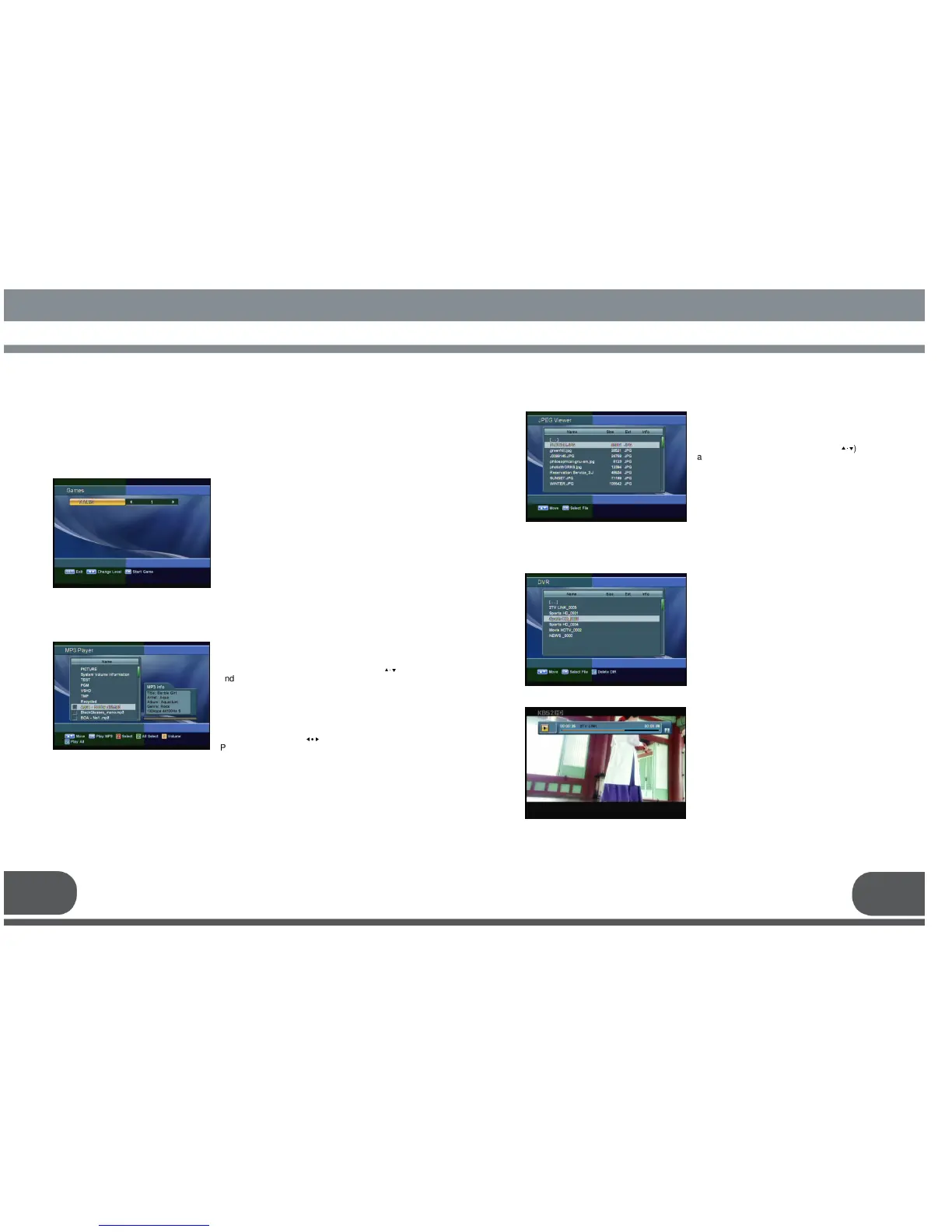
You can play Game, MP3 Player, JPEG Viewer and the recorded files in this menu.
In this game you can choose level from 1 or 9.
Once you choose game menu from main
menu, you can choose OK to start a game.
You can enjoy listening to music in this
function. Please connect USB device saved
Mp3 to the host port, then select the MP3 file
on the list by using the “up/down keys” (
▲·▼
)
and play the music by pressing “OK”key or
“Play”key. You can select / delete each Mp3
file by using the “F1”key to listen to songs.
And to select / delete all Mp3 files in the folder,
use the “F2”key. After selecting the list of
songs, press “F4”key to play.
You can play the previous / next songs by
using the “Left/Right” (
◀∙▶
) key.
Press “Pause”key to pause. In addition you
can stop playing by using “Exit” or “Stop” key.
You can play the recorded file in the USB
in this menu.
Please connect USB device to the host
port and press “OK” key to watch the file
what you want.
This screen represents how to record &
playback. For the specific information,
please refer to the 8. How to Record &
Playback.



 To Next Page