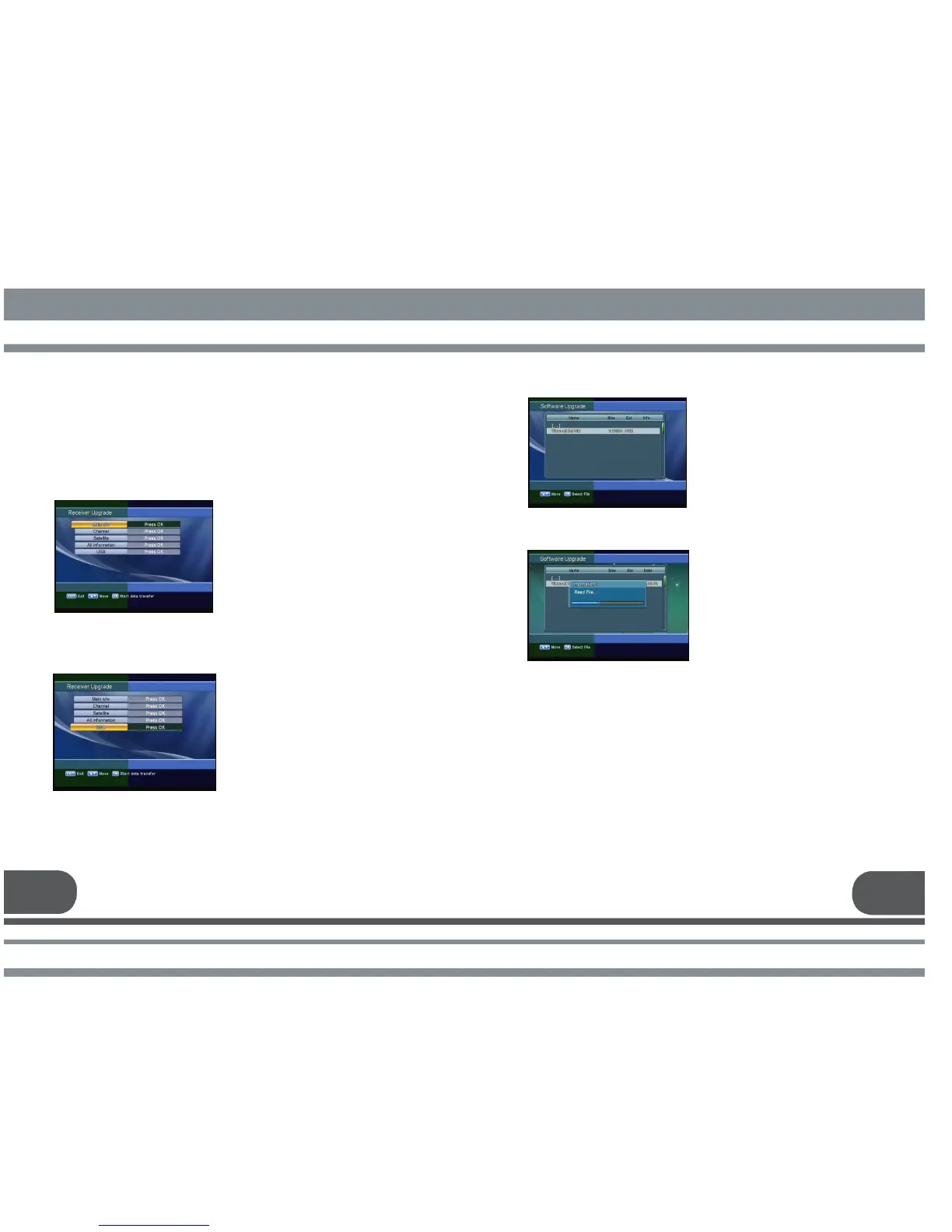
Select the firmware upgade file and press
receiver will be automatically rebooted.
27 28
Distributor supports you useful information and new software for the receiver.
4. A. RECEIVER INFORMATION
This menu displays the information of S/W version.
You can upgrade the software of this
receiver through serial port or USB
port when the new software is
released.
Please contact the distributor for
receiver upgrade.
Firmware upgrade using USB flash
drive.
Copy the firmware upgrade file to a
USB flash drive.
Connect the USB flash drive to USB
port in a receiver. Go to “System
Information” then select “ Receiver
Upgrade.” Select USB and press OK
button.



 To Next Page