8.1. QUICK RECORD
* Note: If recording time is less than 30 seconds, the event will not be saved. This is to
avoid the unexpected start of recording.
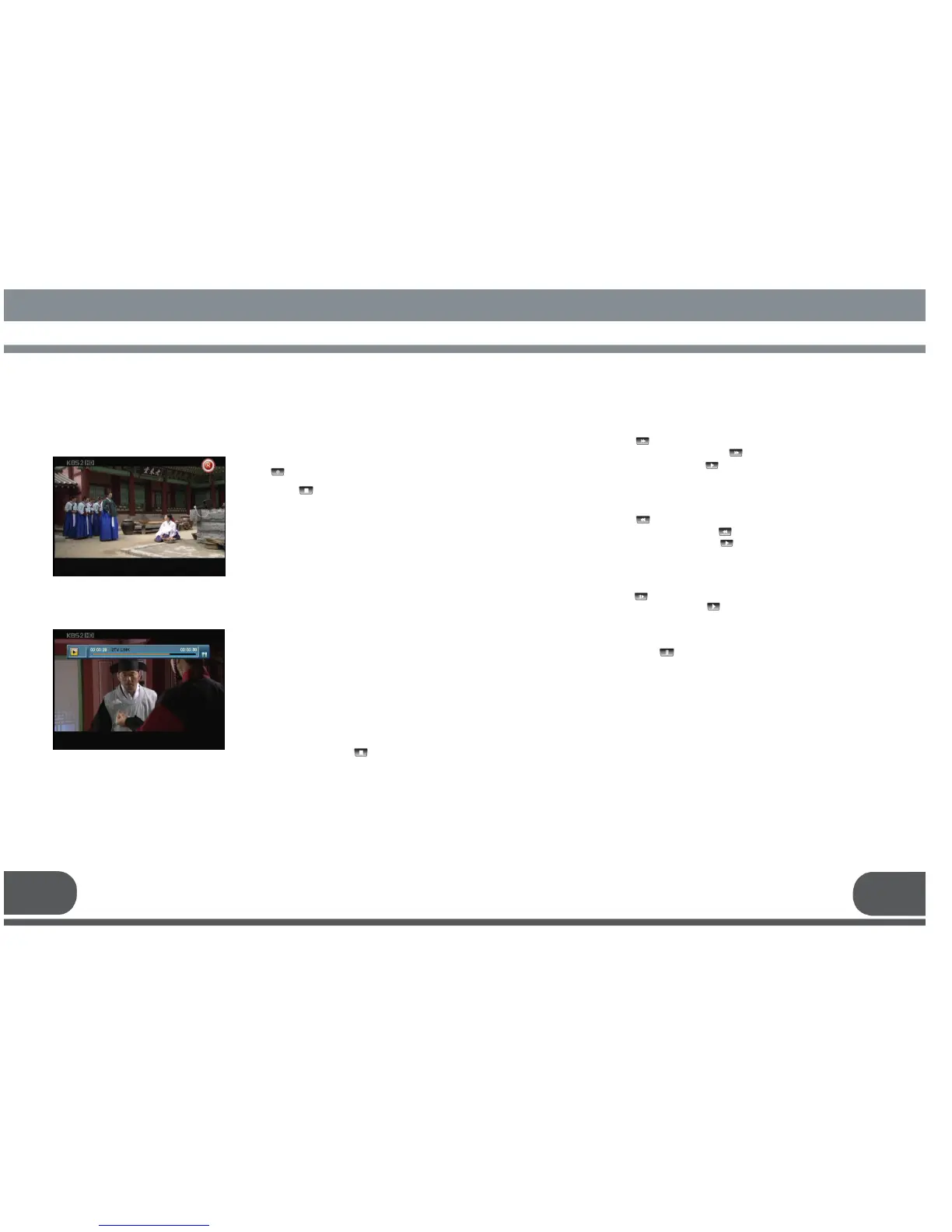
Push the key. And the current channel will
be recorded. If you want to stop the record,
push the key.
To watch the recorded program, follows
the next;
1. Select a recorded program to watch by
using up/down keys (▲·▼) and push OK
key.
(Please refer to the 5.D Recorded
Program)
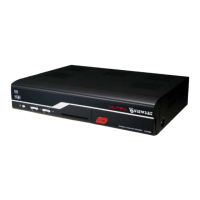
2. When the Playback is starting,
Playback Box is shown as the left
picture.
You can control Playback easily and
check the Recorded file name, Progress
Time, Book Mark, and Repeat status
etc.
3. To stop the Playback, push key.
8.2.2. Fast Rewind
Fast rewind is available during playback. Please also see 9.4.9. Drag Backward.
1) In Playback, push key.
2) In order to increase rewind speed, push key several times.
3) For returning to the normal speed, push key.
* 5 steps of speed are available for Fast rewind.
For slow motion playback,
1) In playback, push key.
2) For returning to normal speed, push key.
* Two steps of speed are available for Slow motion.
8.2.4. Pause
To pause the screen, push key.
8.2.1. Fast Forward
Fast forward during playback is available. Also see 9.4.8. Drag Forward.
1) In Playback, push key.
2) In order to increase playback speed, push key several times.
3) For returning to normal speed, push key.
* 4 steps of speed are available for Fast forward.
HOW TO RECORD
HOW TO RECORDHOW TO RECORD
HOW TO RECORD &
& &
& PLAYBACK
PLAYBACK PLAYBACK
PLAYBACK
37 38



 To Next Page