Guide will be displayed. You can see all
events for selected chanel.
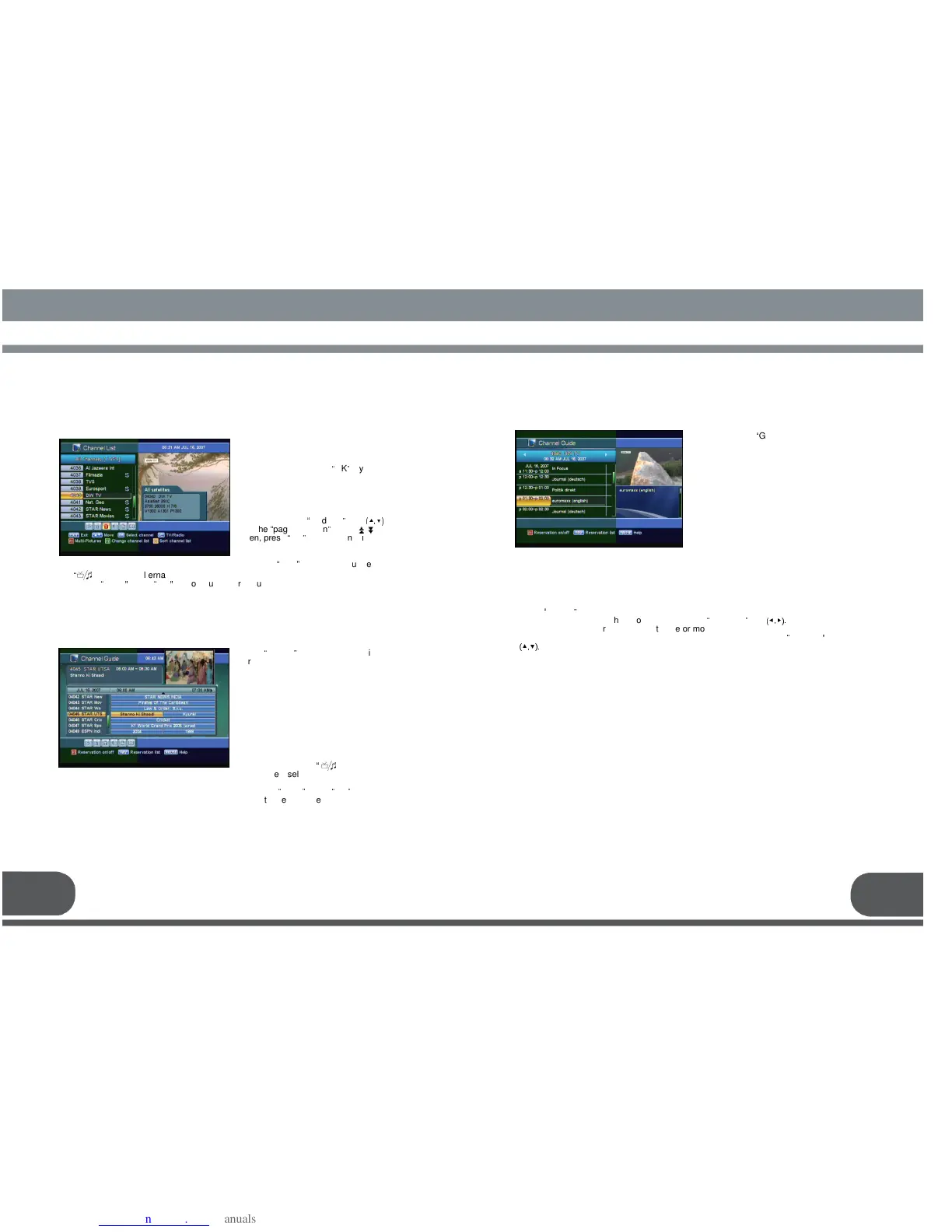
This menu helps you to easily select the
channel that you want to watch. The
channel list is separately constructed
for each satellite. Press
“
OK
”
key, and
the following screen will be displayed.
You can get the information of channel
number, channel name, and whether the
program is scrambled or locked.
To watch a specific channel, first select
it by pressing the
“
up/down
”
keys
(▲,▼)
and the
“
page up/down
”
keys ( ).
Then, press
“
OK
”
key. This enables you
to move into that specific channel.
You can also select a specific satellite
using the
“
SAT
”
key. When you press
31 32
alternatively select TV or radio channel list. When you press
Press the
“
menu
”
key or
“
exit
”
key to return to previous menu.
screen will be displayed. It will give the
titles of the current and next
programmes on different channels.
The information may include : current
time / channel name, name of the
current and next programme, the
start and total time of the current
programme, the start and total time of
the next programme.
Programme information will be available
only when it is included in the
transmission.
When you press the
“
”
key, you can
alternatively select TV or radio channel
guide.
Press the
“
menu
”
key or
“
exit
”
key to
return to previous menu.
Select the audio mode which you want using the
“
left / right
”
keys
(◀,▶).
Some programs are broadcasted with one or more alternative language soundtracks.
You can select the preferred audio language for soundtrack using the
“
up/down
”
keys
(▲,▼).



 To Next Page